
Website Backup: 7 Easy, Essential Checks
A website backup is useful only when the right material can be restored through a process someone understands. Plan files, data, access, and recovery together. A successful backup notification is a reason to check the record, not a guarantee that every future recovery will work.
In this guide
A practical website backup example
A business updates its service pages and then discovers an unexpected problem. The useful question is which backup contains the last acceptable version and who can restore it. A written recovery plan makes that discussion easier than searching several accounts during an outage.
1. Identify what the site depends on for website backup
List the website files, database, uploads, configuration, and relevant service accounts. Different platforms have different backup arrangements. Ask the person responsible for the site which items are included rather than assuming a downloaded page or exported article is a complete recovery copy.
2. Assign a responsible owner
Decide who checks backups and who has authority to request restoration. Keep contact details current. If the site is managed by a provider, confirm the included service and its limitations in writing. An automated schedule still needs someone to review failures and changes.
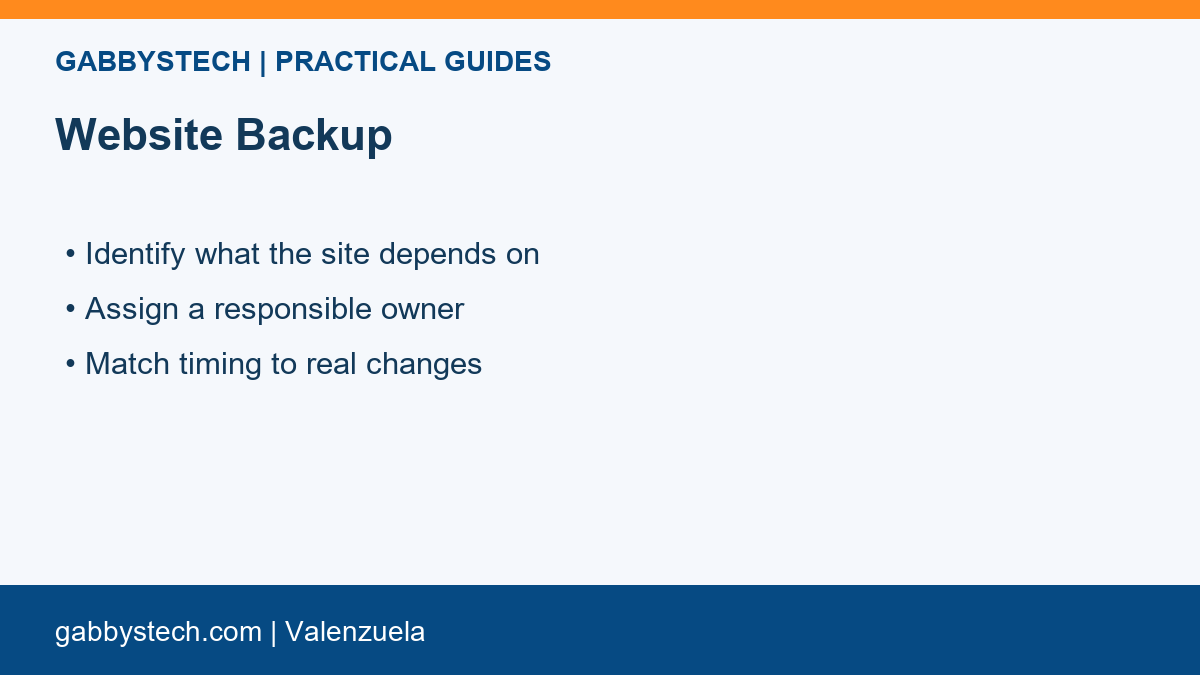
3. Match timing to real changes for website backup
Consider how often content, orders, inquiries, or other important data changes. A rarely updated brochure site and a busy shop have different recovery needs. Choose an arrangement based on the amount of recent work the business could accept losing.
4. Keep access secure and recoverable
Use approved storage and access arrangements. Record how the authorised owner can recover the backup account without publishing passwords or codes. A backup that only one unavailable person can access may be difficult to use when the business needs it.
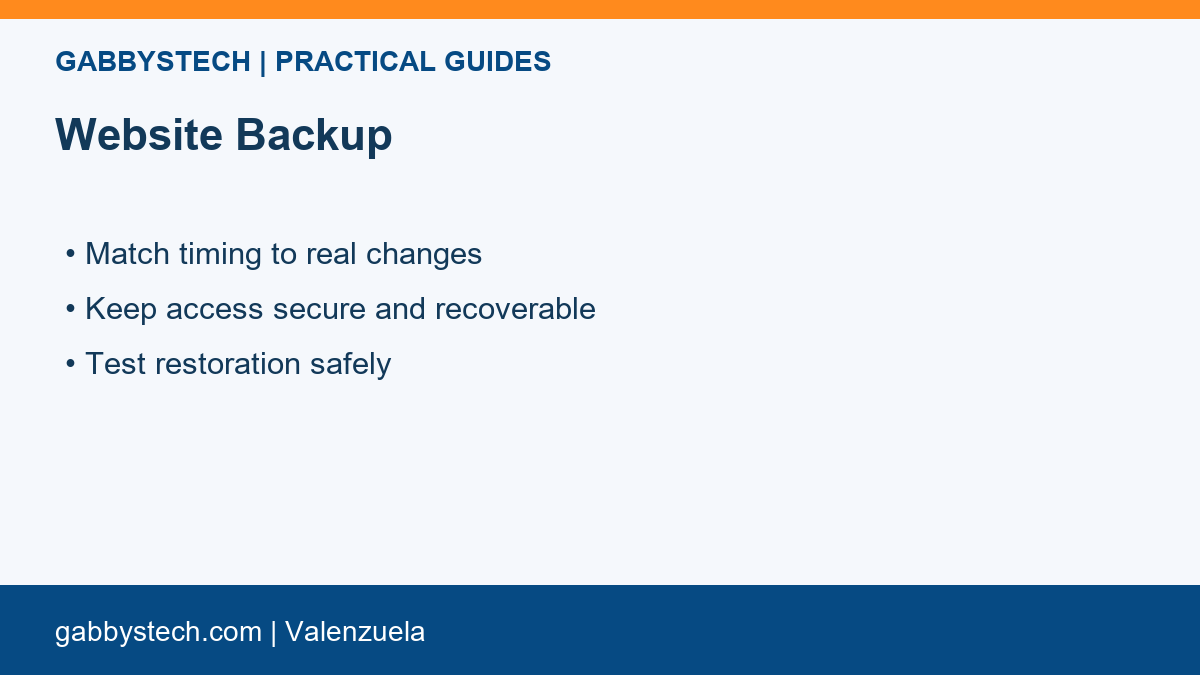
5. Test restoration safely for website backup
Arrange a restore test in an appropriate non-live environment when possible. Check representative pages, images, and important functions. Do not overwrite the live site merely to see whether a file exists. Record what was tested and any limitations discovered.
6. Back up before significant work
Confirm a usable recovery point before theme, plugin, or structural changes. Record the version and the planned work. A backup supports recovery planning; it does not make every update risk-free or remove the need to check compatibility and business impact.
7. Review the plan after changes for website backup
Revisit the backup scope when hosting, forms, stores, or account ownership change. Keep the instructions understandable to the person who may need them. Periodic verification helps reveal missing access or incomplete coverage before a real incident makes recovery urgent.
Prepare a clear website backup inquiry
Collect the exact page address, the intended customer task, and a short description of the current difficulty. Separate what you observed from what you think caused it. A specific example such as a button leading to the wrong place is easier to investigate than a broad request to improve everything.
Keep a record of the current version and any recent content or design changes. Include the goal, the pages involved, and a practical deadline. Use sample information when demonstrating a form. Account passwords, recovery codes, and private customer records should stay out of public comments and ordinary inquiry forms.
Website Backup: a question worth asking
Is a content export the same as a complete recovery copy?
Not necessarily. A content export may omit files, configuration, uploads, or other components needed to recreate the working website. Ask what the backup contains and demonstrate a safe restoration. Keep the scope and limitations with the recovery instructions.
Record the decision and the result
A useful website backup plan has a clear owner and a clear next step. Write down what will be checked, who will approve changes, and how the result will be verified. If the proposed work changes after review, ask for an updated explanation before additional work begins. Keep completed work separate from suggestions for later.
| Record | What to include |
|---|---|
| Starting point | Your model or page, main task, and specific symptom |
| Agreed scope | Checks, exclusions, proposed changes, and approval |
| Acceptance | The original task repeated and any remaining issue |
For related planning, read our guide to clear service pages and contact-form checks. Google’s SEO Starter Guide is an official reference for the broader search context. Use it alongside a review of the real customer journey rather than treating any single checklist as a guarantee.
Discuss website backup with GabbysTech
GabbysTech in Valenzuela can discuss your website goals and the information needed for a useful review. Send the page address, the customer task, and a short explanation of the problem through our website. Ask about scope, responsibilities, and applicable charges before approving work. A website backup checklist supports a clearer conversation; it does not guarantee a particular ranking, traffic level, or business outcome.