
Website Accessibility: 7 Easy, Essential Checks
Website accessibility begins with making information and actions understandable to more people. Review the business tasks visitors need to complete, then examine the text, controls, navigation, and feedback that support those tasks. A quick checklist is a starting point for improvement, not a certification.
In this guide
A practical website accessibility example
A customer needs to request a repair using only the keyboard or with enlarged text. The page should still provide clear labels, a usable path, and understandable feedback. Testing that journey can reveal practical problems even before a more detailed specialist review is arranged.
1. Use meaningful headings for website accessibility
Organise content into sections that describe the subject and follow a sensible order. Do not choose a heading level only because of its visual size. Clear structure helps visitors scan the page and understand where a particular explanation belongs.
2. Write descriptive links and buttons
Use labels that explain the destination or action in context. Repeated “click here” labels make a page harder to understand. Distinguish an inquiry request from a confirmed booking or purchase, and do not imply an action is complete before it actually is.
3. Review keyboard operation for website accessibility
Try the main journey without a mouse. Check that controls can be reached and that the current position remains visible. If a menu or dialog traps the visitor or cannot be operated normally, record the exact step and ask the designer to investigate.
4. Check text and contrast
Review whether text remains readable against its background and when enlarged. Do not rely on colour alone to communicate an error or status. Use visible wording alongside visual cues so that important information remains understandable in different viewing conditions.
5. Provide useful image alternatives for website accessibility
Describe informative images according to their purpose in the page. Keep essential instructions as ordinary text as well. Decorative images need different treatment from images that explain a service, and a repeated keyword is not a substitute for a meaningful description.
6. Test form labels and feedback
Confirm that each field has an understandable label and that required information is explained. Submit a labelled test with an error and inspect the response. The visitor should understand what needs correction without guessing from a colour change or a generic failure message.
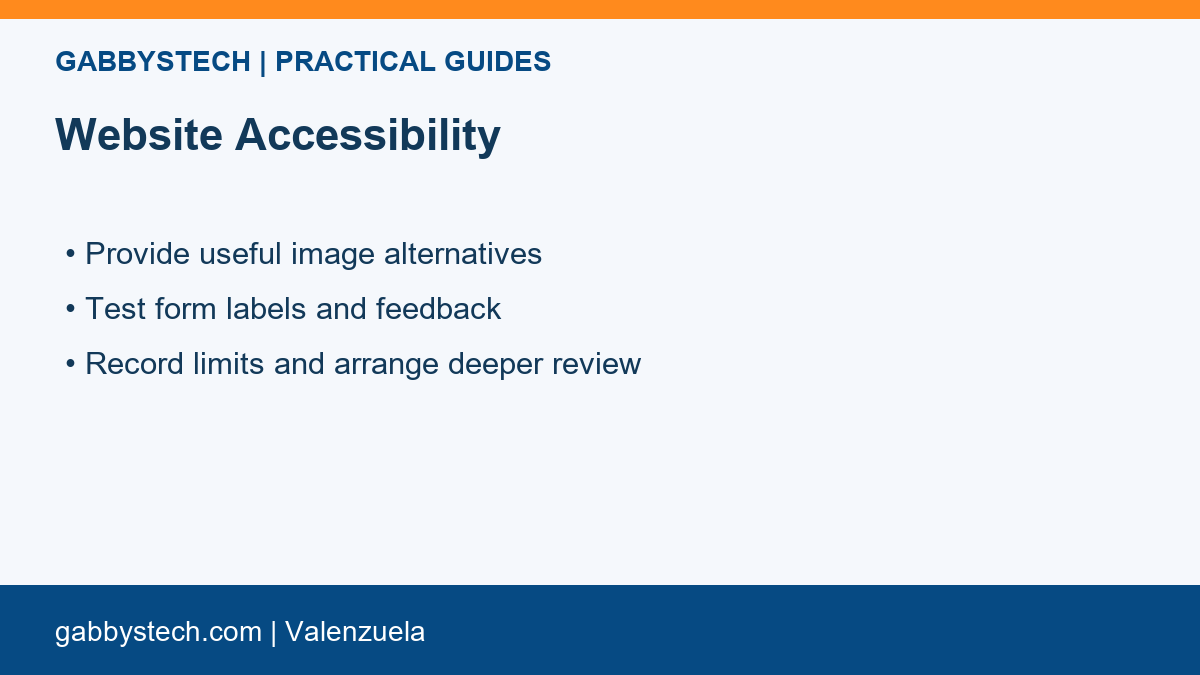
7. Record limits and arrange deeper review for website accessibility
Keep a list of the checks completed, the devices used, and issues still unresolved. More complex needs may require specialist accessibility testing. Avoid declaring complete compliance from a short review; use the findings to prioritise concrete improvements to the real customer journey.
Prepare a clear website accessibility inquiry
Collect the exact page address, the intended customer task, and a short description of the current difficulty. Separate what you observed from what you think caused it. A specific example such as a button leading to the wrong place is easier to investigate than a broad request to improve everything.
Keep a record of the current version and any recent content or design changes. Include the goal, the pages involved, and a practical deadline. Use sample information when demonstrating a form. Account passwords, recovery codes, and private customer records should stay out of public comments and ordinary inquiry forms.
Website Accessibility: a question worth asking
Does passing an automated checker prove the whole site is accessible?
No. Automated checks can identify some issues, but a full evaluation also needs human review and task testing. Record the scope of any assessment accurately and fix specific barriers. Do not present a quick score as a guarantee that every visitor can complete every task.
Record the decision and the result
A useful website accessibility plan has a clear owner and a clear next step. Write down what will be checked, who will approve changes, and how the result will be verified. If the proposed work changes after review, ask for an updated explanation before additional work begins. Keep completed work separate from suggestions for later.
| Record | What to include |
|---|---|
| Starting point | Your model or page, main task, and specific symptom |
| Agreed scope | Checks, exclusions, proposed changes, and approval |
| Acceptance | The original task repeated and any remaining issue |
For related planning, read our guide to clear service pages and contact-form checks. Google’s SEO Starter Guide is an official reference for the broader search context. Use it alongside a review of the real customer journey rather than treating any single checklist as a guarantee.
Discuss website accessibility with GabbysTech
GabbysTech in Valenzuela can discuss your website goals and the information needed for a useful review. Send the page address, the customer task, and a short explanation of the problem through our website. Ask about scope, responsibilities, and applicable charges before approving work. A website accessibility checklist supports a clearer conversation; it does not guarantee a particular ranking, traffic level, or business outcome.