
Site Care Checklist
A practical WordPress admin checklist for recurring maintenance, editable due dates, dashboard reminders, and recent completion history.
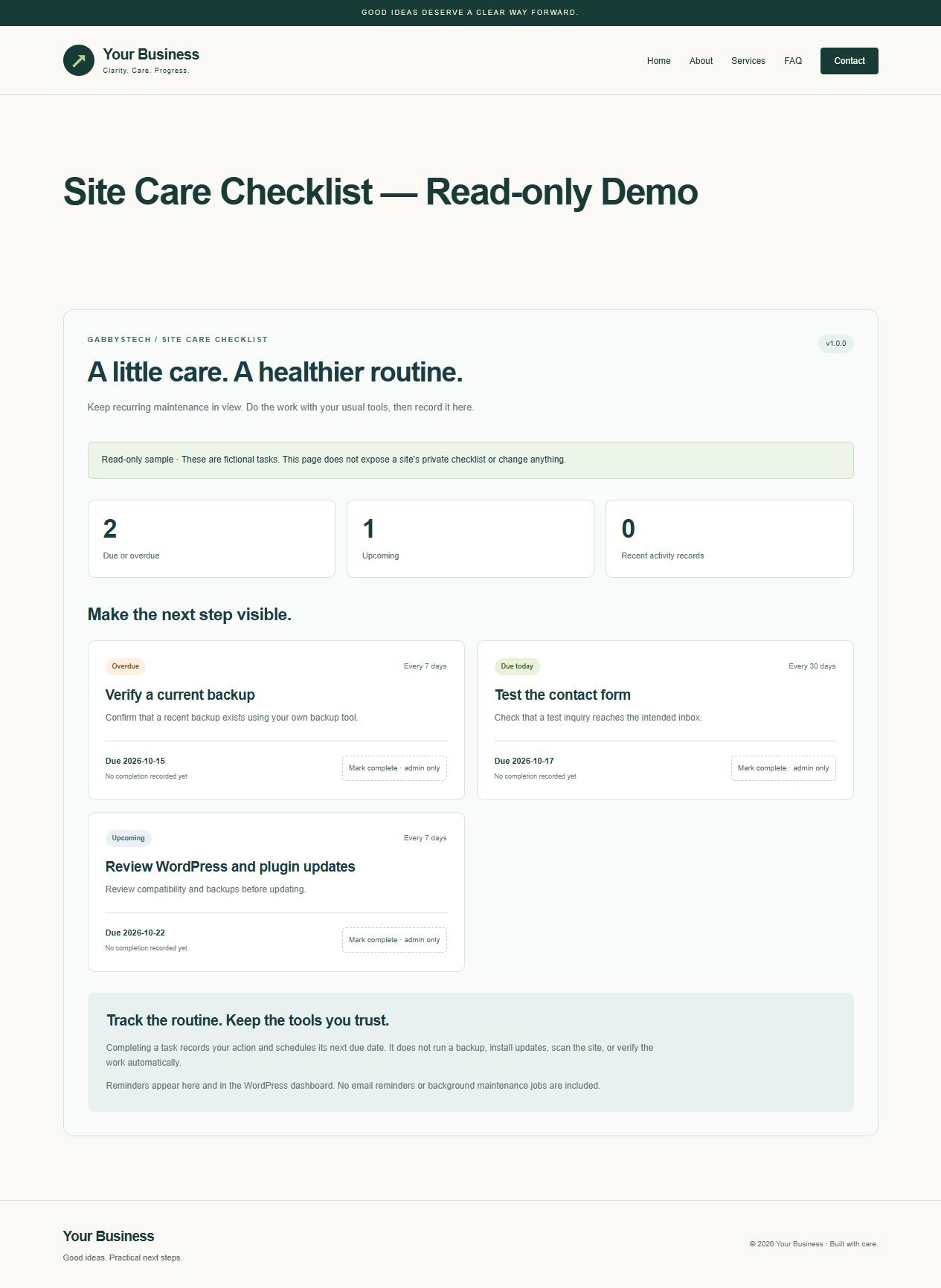
Site Care Checklist from GabbysTech is a manual WordPress maintenance checklist plugin for recording routine work and reviewing the next due dates. Review the included files, requirements and scope below to decide whether this digital product matches your workflow. The launch price shown on this page is in Philippine pesos.
Product guide
What Site Care Checklist helps you do
The seven starter tasks cover backups, updates, contact forms, links, restore testing, access review and performance review. Adapt the task names and intervals to your own website. Administrators can add notes, record completion and review recent activity. The dashboard reminder makes due work visible when you sign in to manage the site.
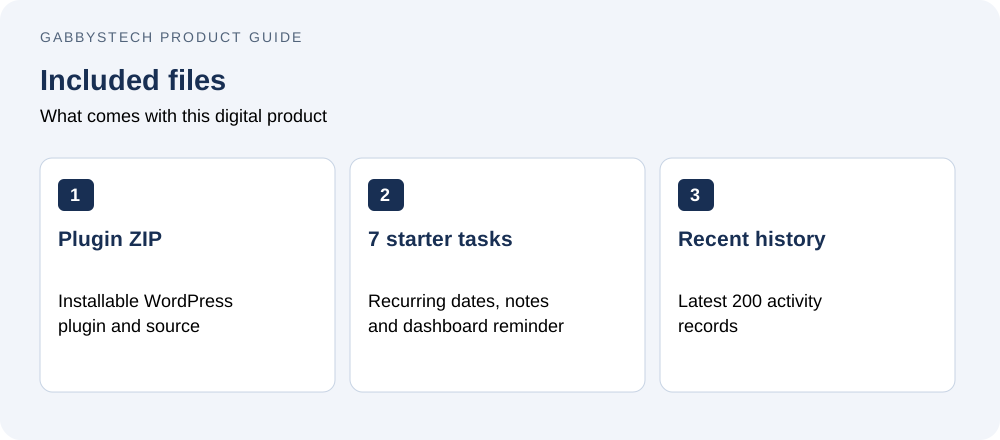
Inside Site Care Checklist v1.0.0
- Directly installable WordPress plugin ZIP with full source, setup guide and GPL license.
- Seven editable starter tasks for backups, updates, contact forms, links, restore testing, access review and performance review.
- Custom task titles, notes, 1–3,650 day intervals and next due dates.
- Manual completion, due/upcoming views, archive/restore and a dashboard reminder widget.
- Latest 200 activity records with dates, actions and recording users.
- Administrator-only changes, nonce checks and protection against stale edits.
- Optional public shortcode showing a fictional read-only sample, without private task data.
A checklist, not an automatic maintenance service
Complete the work with your usual tools, then record it here. Marking complete schedules the next due date from the completion day using the WordPress site timezone. The plugin does not create backups, install updates, scan the site, alter account access or verify that work succeeded. Reminders appear in the admin screen and dashboard; no email or background jobs are included.
Compatibility and setup
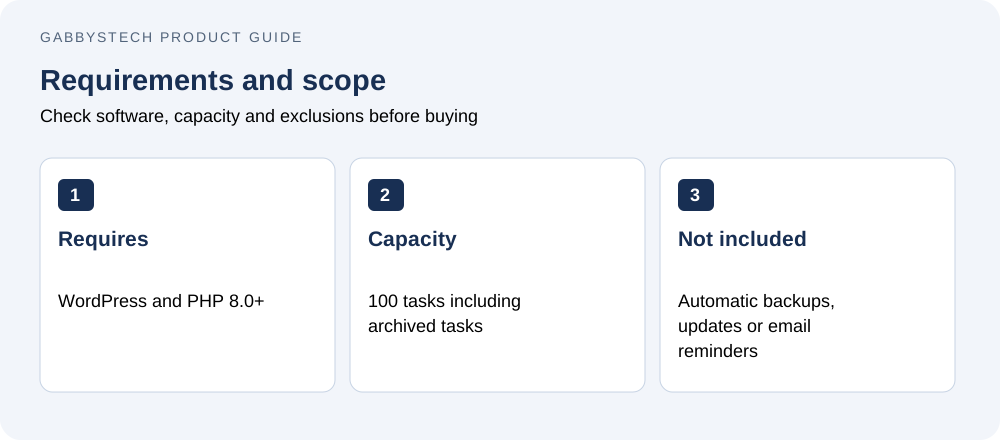
Requires WordPress 6.8+ and PHP 8.0+. Tested with WordPress 7.1.3 and PHP 8.2.12. No Elementor or paid plugin is needed. Upload the ZIP directly in Plugins → Add New, activate and open Site Care. Review the starter routine and tailor it to your site.
Data and limits
Tasks and recent history are stored locally in one WordPress option. No external telemetry is sent. Up to 100 tasks including archived tasks and 200 recent activity records; this is not a permanent audit archive. Deactivation preserves data. Uninstall also retains data by default, with an administrator opt-in choice to remove it on deletion.
License and scope
GNU GPL v2 or later covers original code and documentation; use on your own or client sites under that license. Automated maintenance, backup services, email notifications, permanent audit storage and an automatic updater are not included. No ongoing support period is bundled. Purchase assistance: admin@gabbystech.com.
Delivery
One protected downloadable ZIP after payment is confirmed. Directly installable, with documentation under docs/.
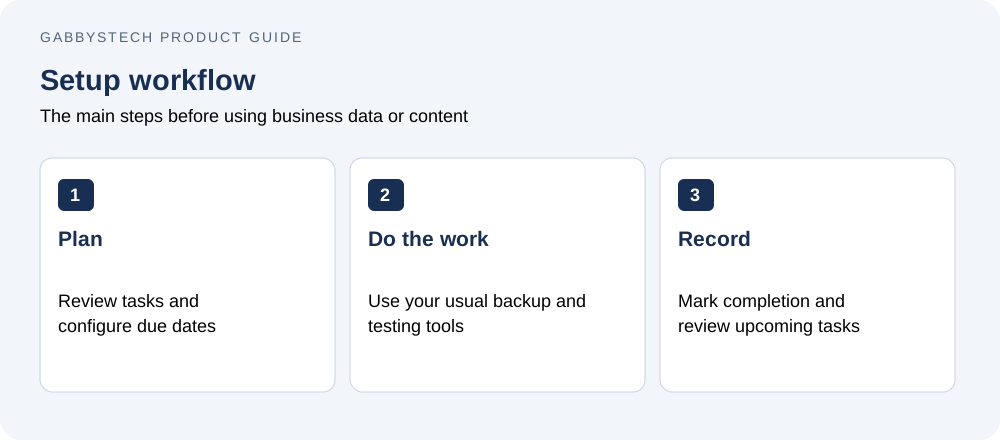
Getting started with Site Care Checklist
Install the plugin, open Site Care and review the starter routine. Set intervals and due dates that reflect your actual maintenance process. Carry out each task with your usual backup, update or testing tools, then mark it complete. Review notes and upcoming work regularly. Completion records reschedule tasks; they do not verify that an external backup or update succeeded.
Before you buy Site Care Checklist
Who is this product for?
Site Care Checklist is intended for business owners and site administrators who want a visible routine while continuing to use their existing maintenance tools. Check the detailed compatibility requirements before ordering. The price covers the listed digital files; it does not include a Microsoft license, WordPress hosting, a domain, installation or a custom implementation service.
How will I receive the files?
This is a digital download, with no physical shipping. WooCommerce makes the protected ZIP available after payment is confirmed. Use your account and order download details to access it, then extract the package and read the included guide before installing or editing files.
Can I replace the examples with my own information?
Yes. The editable files and guides explain the supported setup. Keep a clean original copy of Site Care Checklist, then work in a separate copy or staging site. Replace all fictional or synthetic examples with your own information. Review calculations, contact links or page content before using the result for real business activity.
What should I check before relying on the result?
Confirm that the required software is available and that you understand the stated limits. Follow the supplied setup steps and compare a few representative results with your own records. A sample preview demonstrates layout and workflow; it does not provide your business policies, approved payroll rules, accounting treatment or guaranteed commercial outcomes.
Related tools and product help
Compare Site Care Checklist with Quick Inquiry Forms or browse the full digital shop. For the underlying software, see the official software documentation. These resources help you check compatibility and decide which tool fits the work you need to do.
For a question about the files included in Site Care Checklist, contact admin@gabbystech.com with the product name and a clear description of the issue. Review the package license for permitted use. Keep your original download and a copy of the guide so your team can repeat the setup consistently.