
Quick Inquiry Forms
A responsive shortcode inquiry form with configurable email notifications, field validation, basic spam controls, and a no-email demo mode.
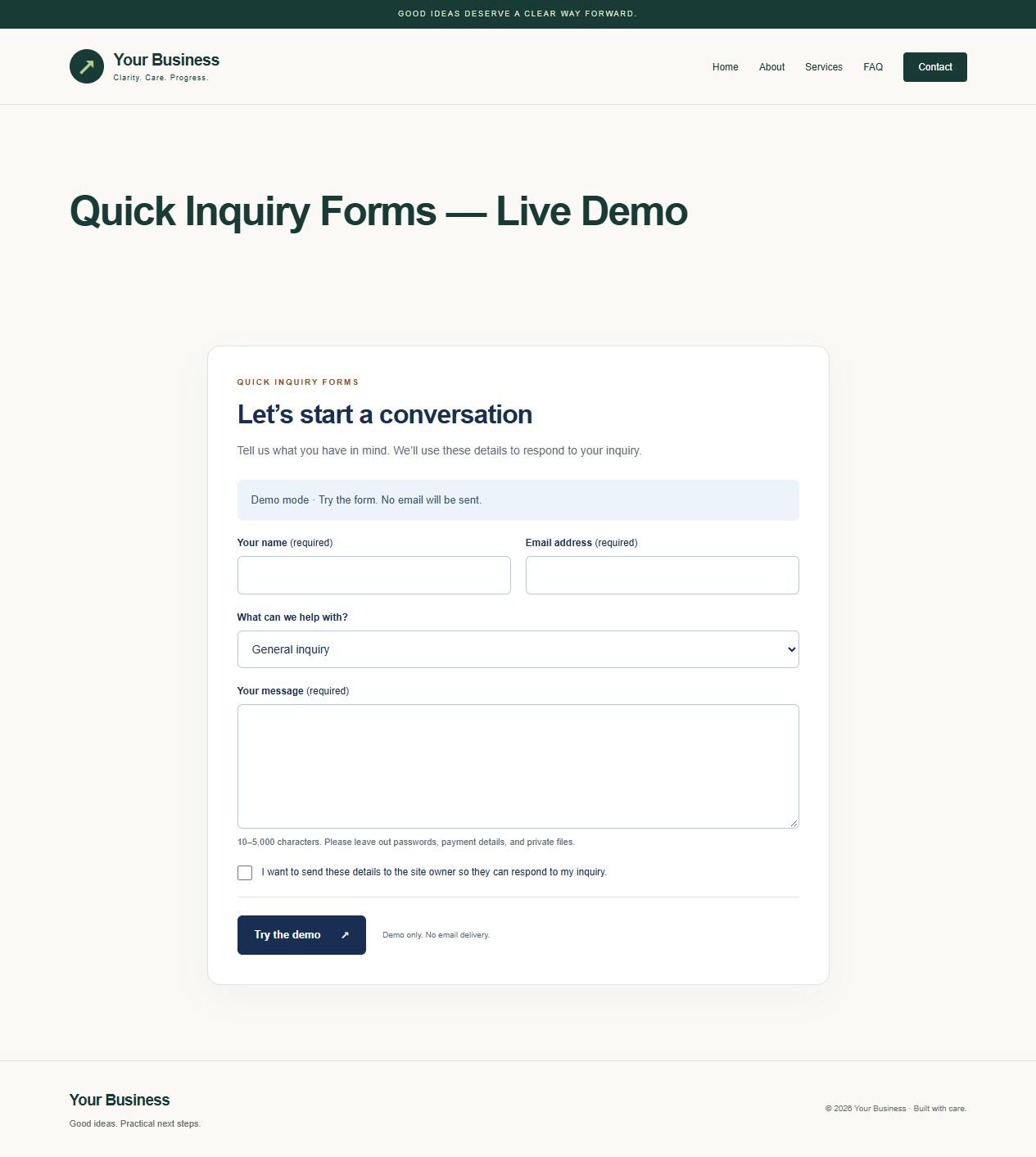
Quick Inquiry Forms from GabbysTech is a WordPress inquiry form plugin for adding a focused contact form to an existing page with a shortcode. Review the included files, requirements and scope below to decide whether this digital product matches your workflow. The launch price shown on this page is in Philippine pesos.
Product guide
What Quick Inquiry Forms helps you do
Use a single inquiry route when visitors need to describe a project or ask about a service. Configure the recipient before enabling email, and test with a message you can identify in your inbox. Basic validation and spam controls help screen routine submissions, but they do not replace a monitored inbox or a configured mail transport.
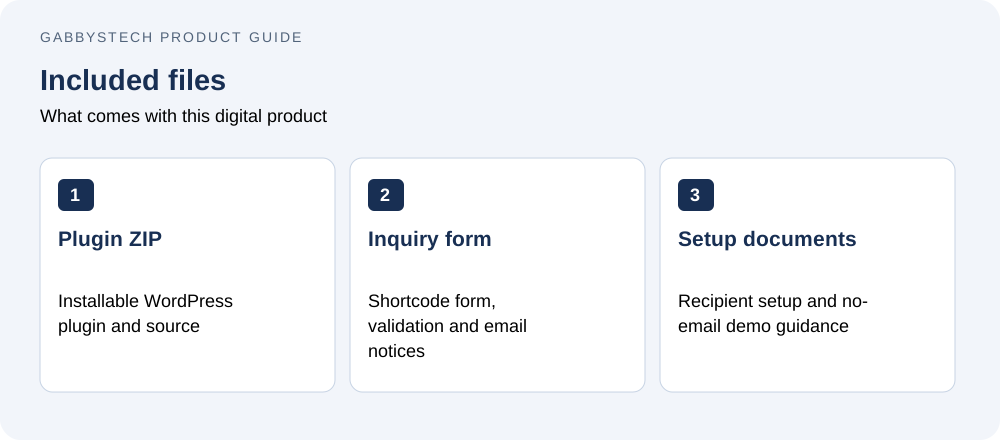
Inside Quick Inquiry Forms v1.0.0
- Installable WordPress plugin ZIP with full source and GPL license.
- [quick_inquiry_form] shortcode with editable heading and introduction.
- Name, email, topic, message and required send confirmation fields.
- Administrator settings for one recipient, subject prefix, delivery toggle and demo mode.
- Nonce checking, honeypot, signed form age, field validation and connection-based rate limit.
- Responsive styling, visible focus, error messages and one-time success receipt.
- Setup documentation and validation notes inside the ZIP.
Email delivery and privacy
Uses WordPress wp_mail to notify the configured recipient, with the validated visitor email as Reply-To. Delivery is off by default. Demo mode validates without sending. No inquiry bodies or raw connection addresses are saved in the WordPress database. Short-lived salted rate hashes and status receipts are stored as transients; mail services, recipient mailboxes and hosting logs may retain data under their own settings.
Compatibility and setup
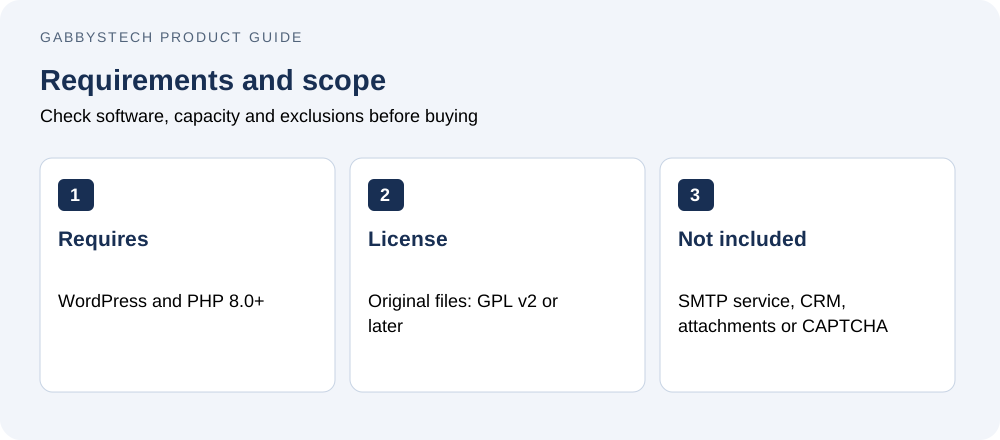
Requires WordPress 6.8+ and PHP 8.0+. Tested with WordPress 7.1.3 and PHP 8.2.12. No Elementor or paid plugin is required. Upload the ZIP directly under Plugins → Add New, activate, configure Settings → Quick Inquiry Forms and add the shortcode in a Shortcode block or Elementor Shortcode widget. Exclude form pages from full-page caching.
Scope and license
GNU GPL v2 or later for original code and documentation; use on your own or client sites under that license. SMTP service, inbox storage, attachments, CAPTCHA, field builder, CRM, appointments, guaranteed delivery and an automatic updater are not included. Basic spam controls are not bot-proof. Configure and verify your own mail transport before accepting real inquiries. No ongoing support period is bundled. For purchase assistance contact admin@gabbystech.com.
Delivery
One protected downloadable ZIP after payment is confirmed. This ZIP is directly installable and includes the guides under docs/.
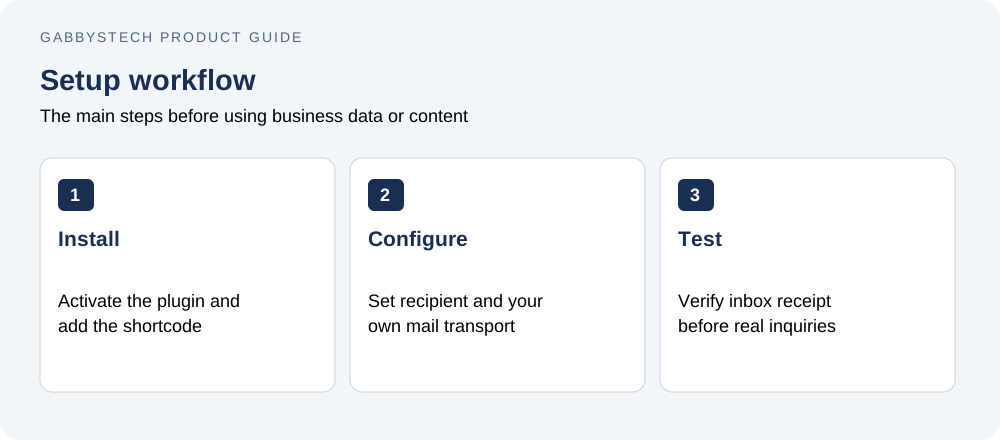
Getting started with Quick Inquiry Forms
Upload the installable plugin ZIP, activate it and follow the included setup guide. Add the documented shortcode to the intended page or shortcode widget. Begin with the no-email demo mode while checking labels and the page layout. Configure the intended recipient and your mail transport, then send a test and verify receipt before accepting business inquiries.
Before you buy Quick Inquiry Forms
Who is this product for?
Quick Inquiry Forms is intended for WordPress site owners who need a small inquiry form and can configure and test email delivery. Check the detailed compatibility requirements before ordering. The price covers the listed digital files; it does not include a Microsoft license, WordPress hosting, a domain, installation or a custom implementation service.
How will I receive the files?
This is a digital download, with no physical shipping. WooCommerce makes the protected ZIP available after payment is confirmed. Use your account and order download details to access it, then extract the package and read the included guide before installing or editing files.
Can I replace the examples with my own information?
Yes. The editable files and guides explain the supported setup. Keep a clean original copy of Quick Inquiry Forms, then work in a separate copy or staging site. Replace all fictional or synthetic examples with your own information. Review calculations, contact links or page content before using the result for real business activity.
What should I check before relying on the result?
Confirm that the required software is available and that you understand the stated limits. Follow the supplied setup steps and compare a few representative results with your own records. A sample preview demonstrates layout and workflow; it does not provide your business policies, approved payroll rules, accounting treatment or guaranteed commercial outcomes.
Related tools and product help
Compare Quick Inquiry Forms with Site Care Checklist or browse the full digital shop. For the underlying software, see the official software documentation. These resources help you check compatibility and decide which tool fits the work you need to do.
For a question about the files included in Quick Inquiry Forms, contact admin@gabbystech.com with the product name and a clear description of the issue. Review the package license for permitted use. Keep your original download and a copy of the guide so your team can repeat the setup consistently.