
Website Images: 7 Easy, Essential Checks
Website images should explain something useful, fit the layout, and remain understandable when they do not load. Review purpose, permission, size, and descriptions together. Attractive pictures alone will not make a business website clearer if the main information remains inside unreadable graphics.
In this guide
A practical website images example
A small business uploads a large promotional poster containing all its service details. On a phone, the text becomes difficult to read. A better plan may keep the image as supporting material while presenting the services and inquiry button as ordinary page content.
1. Define the purpose of each image for website images
Decide whether the image explains a service, shows a genuine project, supports a process, or merely decorates the page. Remove material that distracts from the task. A useful image should earn its space by helping the visitor understand something relevant.
2. Confirm permission and accuracy
Use images you own or have appropriate rights to use. Get permission before publishing identifiable customers or private project details. Do not present a stock scene as a completed GabbysTech job, and avoid visuals that imply features the business does not provide.
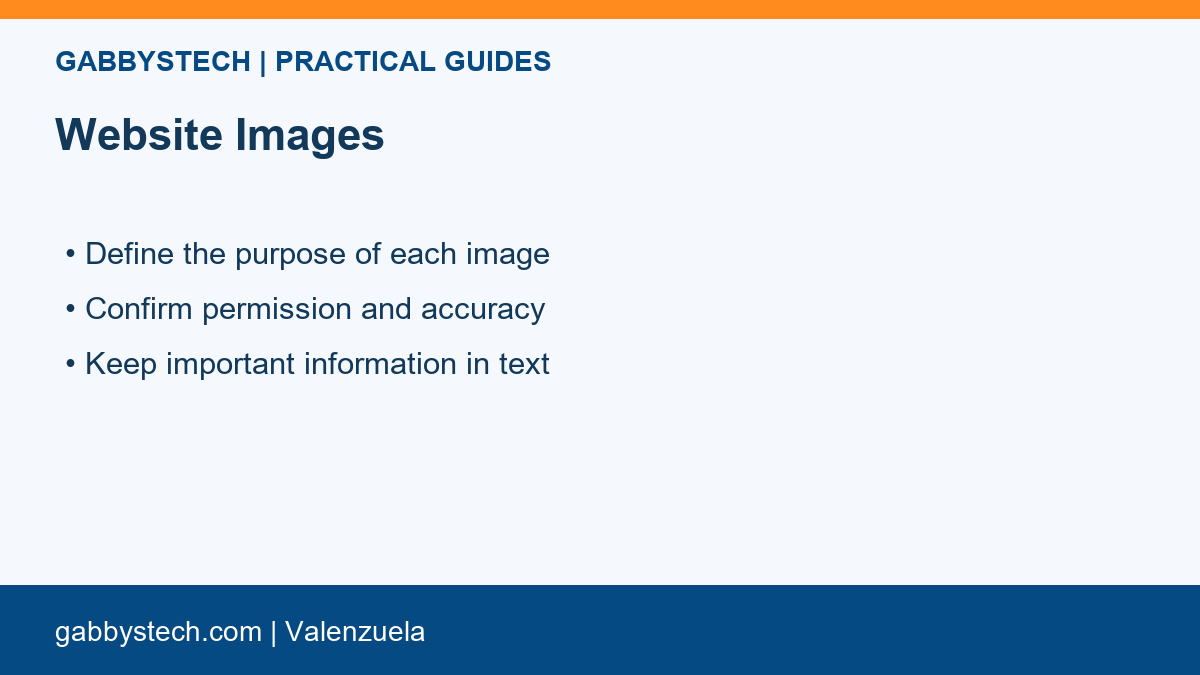
3. Keep important information in text for website images
Publish service details, prices where applicable, and contact actions as readable page text. Text inside an image can be difficult to resize, translate, or access. The image can support the explanation, but it should not be the only place essential information exists.
4. Prepare suitable dimensions
Choose image dimensions that suit the intended display area rather than uploading an unnecessarily large original everywhere. Preserve a clean source copy separately. Check the resulting image on a phone and desktop so that useful detail is not lost in a tight crop.
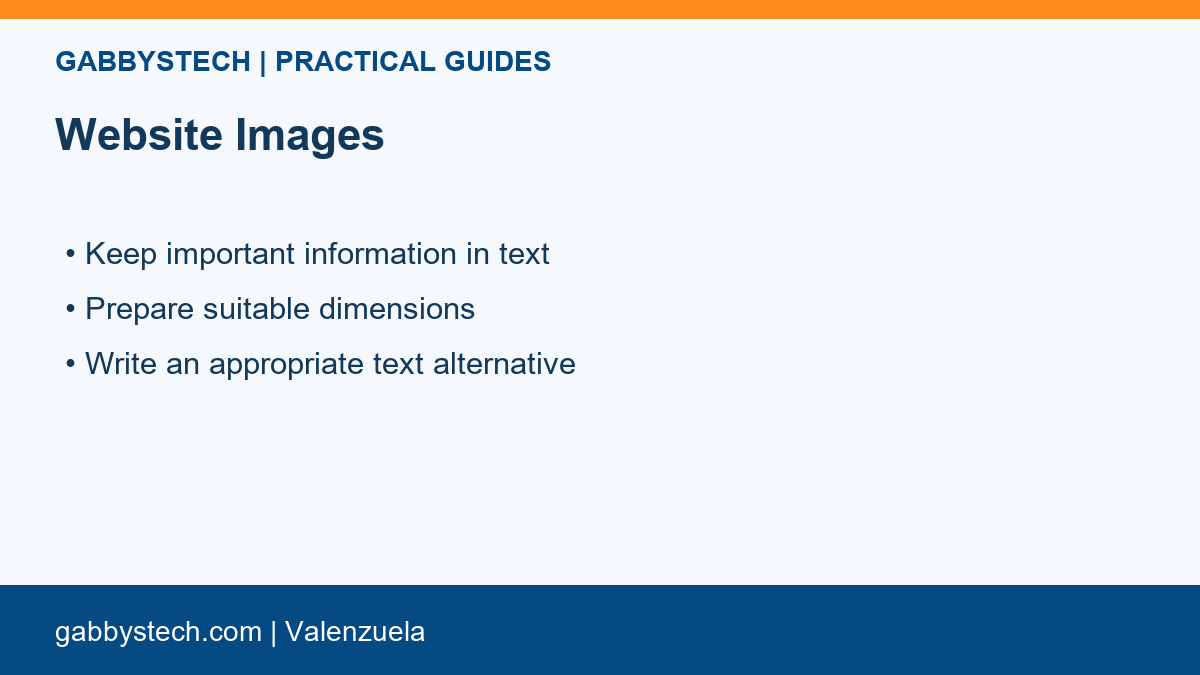
5. Write an appropriate text alternative for website images
Describe the relevant meaning or function of an informative image in its context. Decorative images may need an empty alternative instead. Avoid stuffing unrelated keywords into descriptions. The description should help someone understand the content, not serve as a second advertisement.
6. Check loading and layout stability
Review the page on a normal connection and watch for content shifting as images arrive. Confirm that the chosen image settings and dimensions work with the theme. Treat a slow page as a whole-page investigation rather than assuming every problem can be fixed by one compression setting.
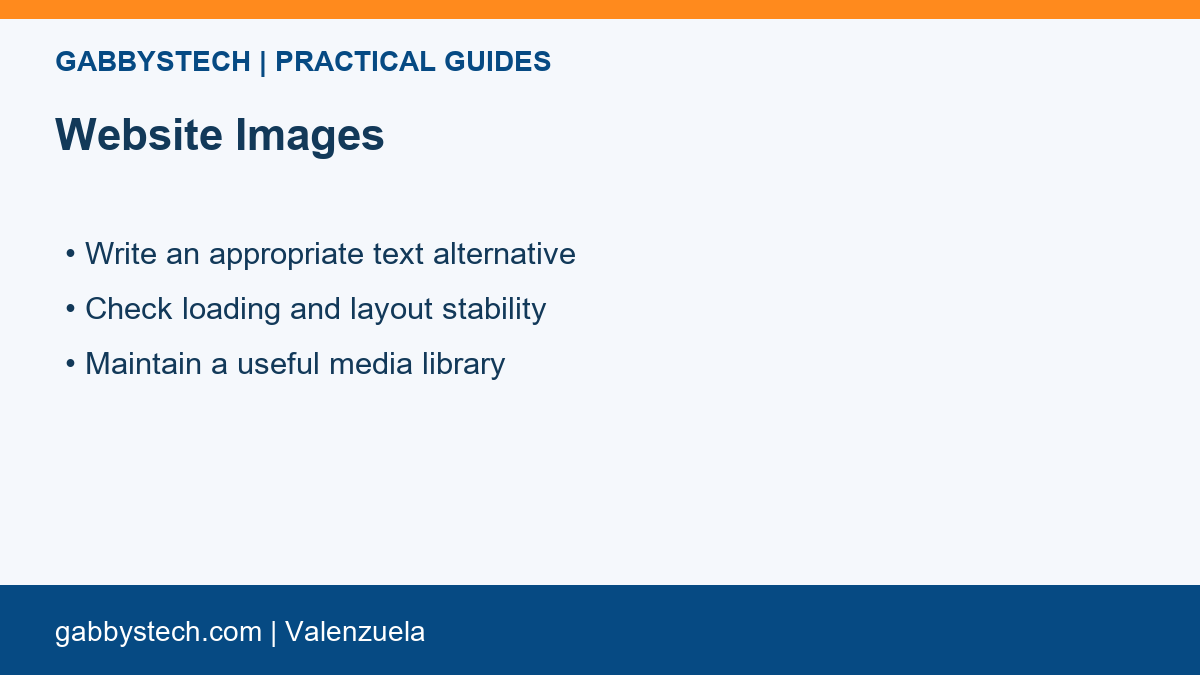
7. Maintain a useful media library for website images
Use descriptive filenames and keep records of permissions and source files. Replace outdated service graphics when the offer changes. Before deleting an old upload, check whether it is still used elsewhere so that a tidy library does not create broken images on live pages.
Prepare a clear website images inquiry
Collect the exact page address, the intended customer task, and a short description of the current difficulty. Separate what you observed from what you think caused it. A specific example such as a button leading to the wrong place is easier to investigate than a broad request to improve everything.
Keep a record of the current version and any recent content or design changes. Include the goal, the pages involved, and a practical deadline. Use sample information when demonstrating a form. Account passwords, recovery codes, and private customer records should stay out of public comments and ordinary inquiry forms.
Website Images: a question worth asking
Should the same keyword be placed in every image description?
No. Describe the image’s meaning in its actual context. A relevant topic phrase can appear naturally when it describes the visual, but repeating an unrelated keyword does not help the visitor. Important instructions and service details should also exist as ordinary readable text.
Record the decision and the result
A useful website images plan has a clear owner and a clear next step. Write down what will be checked, who will approve changes, and how the result will be verified. If the proposed work changes after review, ask for an updated explanation before additional work begins. Keep completed work separate from suggestions for later.
| Record | What to include |
|---|---|
| Starting point | Your model or page, main task, and specific symptom |
| Agreed scope | Checks, exclusions, proposed changes, and approval |
| Acceptance | The original task repeated and any remaining issue |
For related planning, read our guide to clear service pages and contact-form checks. Google’s SEO Starter Guide is an official reference for the broader search context. Use it alongside a review of the real customer journey rather than treating any single checklist as a guarantee.
Discuss website images with GabbysTech
GabbysTech in Valenzuela can discuss your website goals and the information needed for a useful review. Send the page address, the customer task, and a short explanation of the problem through our website. Ask about scope, responsibilities, and applicable charges before approving work. A website images checklist supports a clearer conversation; it does not guarantee a particular ranking, traffic level, or business outcome.