
GT Payroll & Attendance
Attendance log, hourly payroll calculations, manual deductions, and payroll summary.
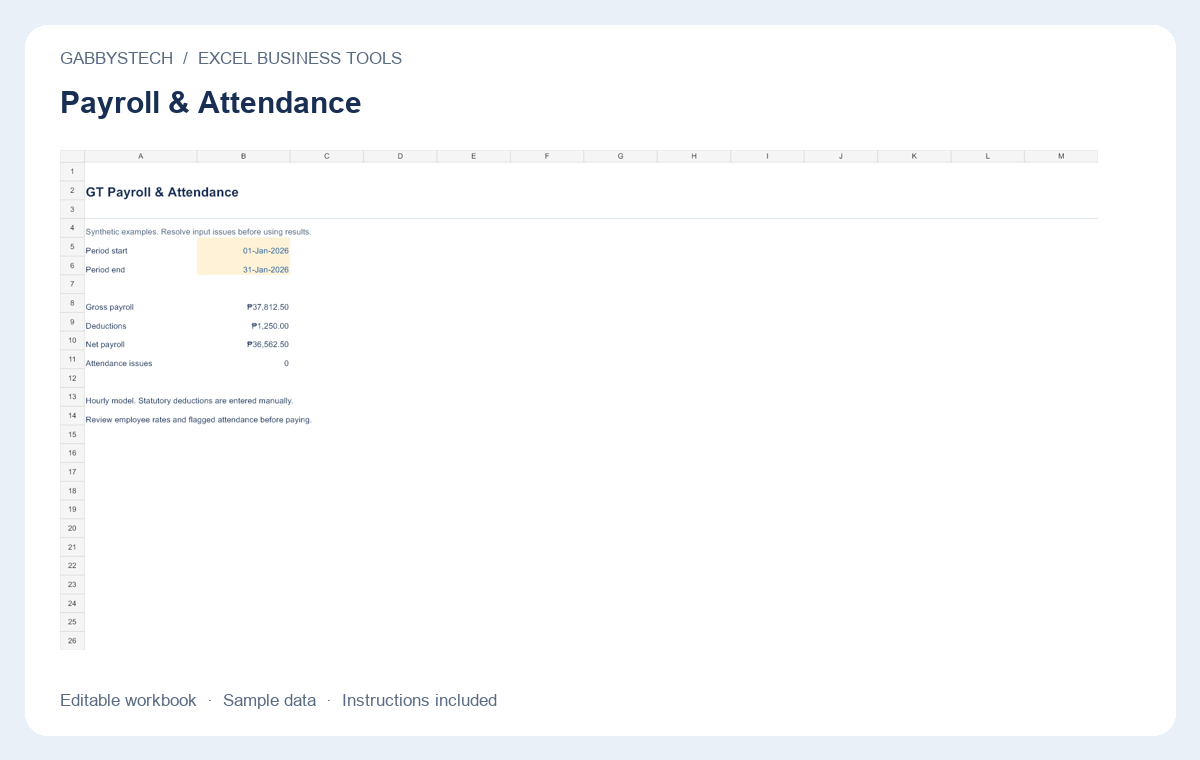
Payroll & Attendance from GabbysTech is an hourly Excel payroll calculator with an attendance log, editable employee rates and manual deductions for each selected pay period. Review the included files, requirements and scope below to decide whether this digital product matches your workflow. The launch price shown on this page is in Philippine pesos.
Product guide
What Payroll & Attendance helps you do
Keep employee IDs, hourly rates and approved overtime multipliers in the employee master. Record regular and overtime hours separately by employee and date. Payroll brings the selected period together into regular pay, overtime pay, gross pay, deductions and net pay. The calculations are visible so the person responsible for payroll can review the basis of a pay run.
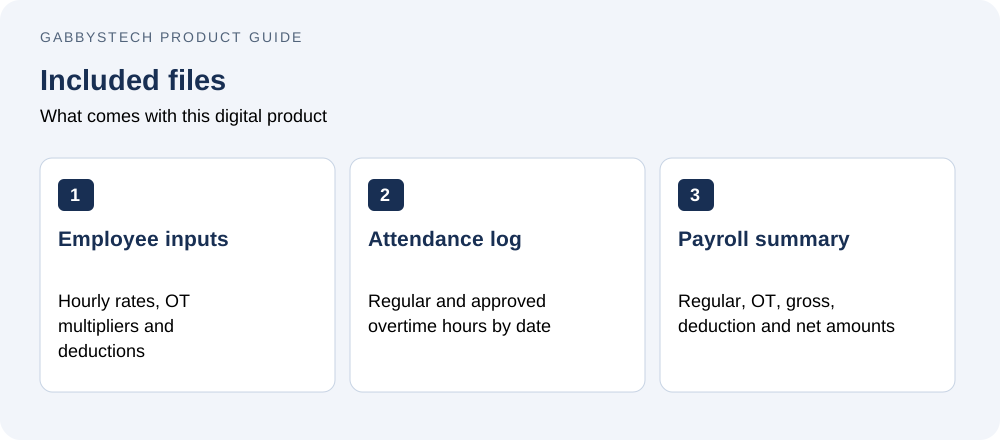
What is included
One .xlsx workbook with attendance log, employee hourly rates, editable OT multipliers, manual period deductions, regular/OT/gross/net payroll calculations, and a summary. Includes a detailed HTML guide and sample records.
Requirements
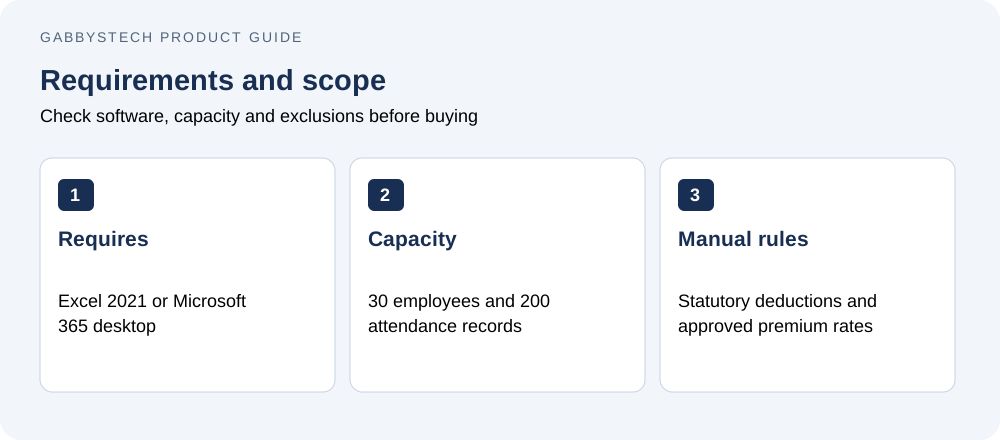
Microsoft Excel 2021 or Microsoft 365 desktop. No macros or paid add-ins. Google Sheets and mobile Excel are not tested.
Scope and limits
Hourly calculator only. No automatic withholding tax, SSS, PhilHealth, Pag-IBIG, holiday premiums, 13th-month pay, payslips or bank export. Enter statutory deductions and approved multipliers manually for each pay period.
Entry sheets support 200 records and masters support 30 items/employees where applicable. Extend formulas, validations, chart ranges and summary references together for larger datasets. All samples are synthetic. Amounts are Philippine pesos.
License and support
GabbysTech Business Tools License. Use and edit for your own business and client reports. Template resale and redistribution are not permitted. Microsoft licenses are separate. Support: admin@gabbystech.com.
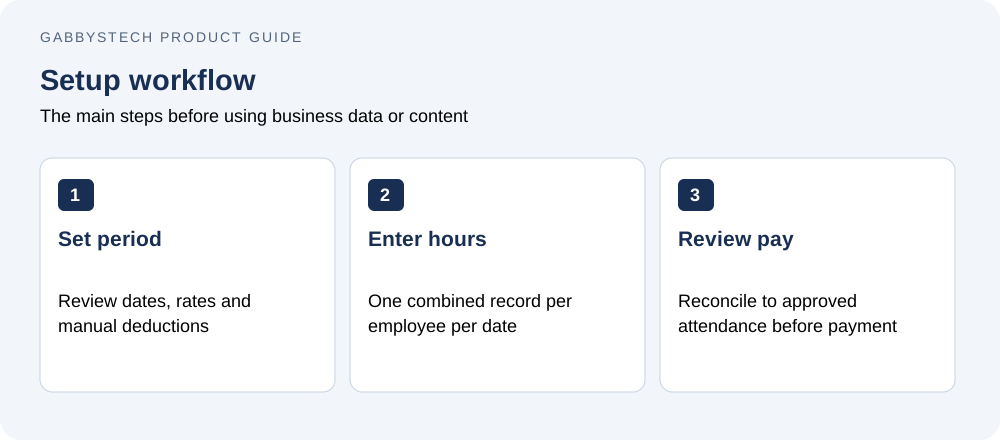
Getting started with Payroll & Attendance
Set the start and end dates, then confirm every employee rate and manual deduction for that period. Enter one combined attendance record per employee per date. Avoid counting the same hours as both regular time and overtime. Check unknown employees, duplicate shifts and invalid hour totals before reviewing payroll. Reconcile the result to approved attendance before making any payment.
Before you buy Payroll & Attendance
Who is this product for?
Payroll & Attendance is intended for teams that use approved hourly inputs and have someone qualified to supply the required deduction and premium rules. Check the detailed compatibility requirements before ordering. The price covers the listed digital files; it does not include a Microsoft license, WordPress hosting, a domain, installation or a custom implementation service.
How will I receive the files?
This is a digital download, with no physical shipping. WooCommerce makes the protected ZIP available after payment is confirmed. Use your account and order download details to access it, then extract the package and read the included guide before installing or editing files.
Can I replace the examples with my own information?
Yes. The editable files and guides explain the supported setup. Keep a clean original copy of Payroll & Attendance, then work in a separate copy or staging site. Replace all fictional or synthetic examples with your own information. Review calculations, contact links or page content before using the result for real business activity.
What should I check before relying on the result?
Confirm that the required software is available and that you understand the stated limits. Follow the supplied setup steps and compare a few representative results with your own records. A sample preview demonstrates layout and workflow; it does not provide your business policies, approved payroll rules, accounting treatment or guaranteed commercial outcomes.
Important: this hourly workbook does not automatically calculate withholding tax, SSS, PhilHealth, Pag-IBIG, holiday premiums or 13th-month pay. Enter reviewed statutory deductions and approved multipliers manually for every pay period.
Related tools and product help
Compare Payroll & Attendance with GT Expense & Budget Tracker or browse the full digital shop. For the underlying software, see the official software documentation. These resources help you check compatibility and decide which tool fits the work you need to do.
For a question about the files included in Payroll & Attendance, contact admin@gabbystech.com with the product name and a clear description of the issue. Review the package license for permitted use. Keep your original download and a copy of the guide so your team can repeat the setup consistently.