
Page Titles: 7 Essential Checks for Clearer Search Results
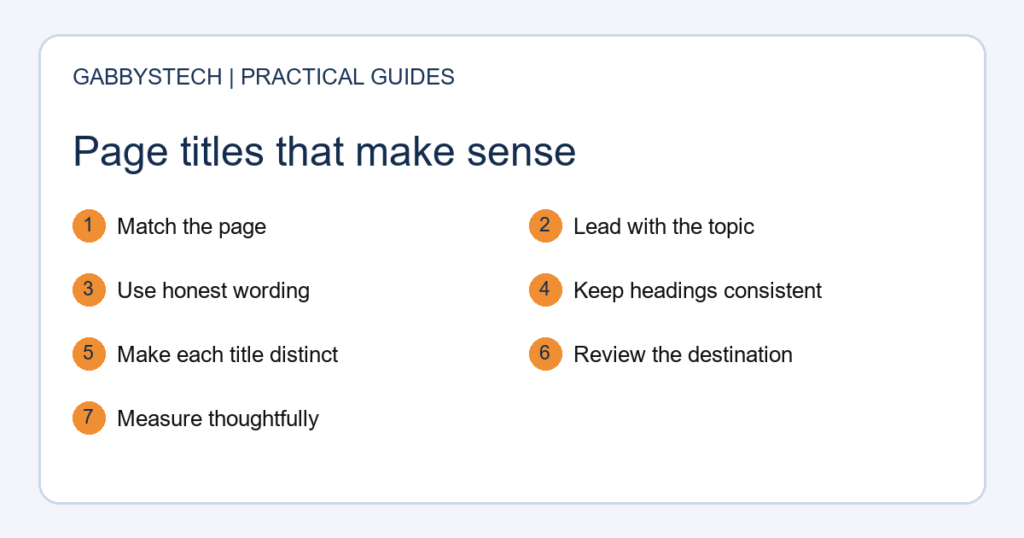
Page titles help people decide whether a search result answers their question. A useful title describes the actual page, distinguishes it from similar pages, and sets an honest expectation. This seven-step review helps a small business improve its titles without turning every heading into a string of keywords.
In this guide
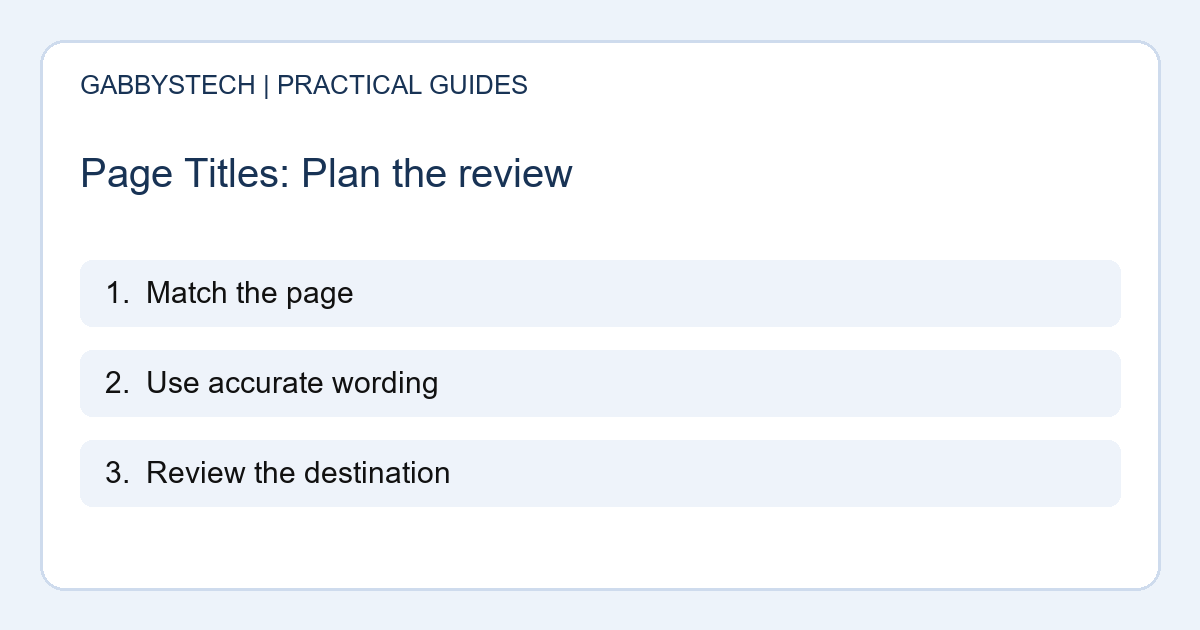
1. Match page titles to one clear purpose
Start by naming the job of each page. A repair service page, a pricing explanation and a troubleshooting article answer different questions. Write down the visitor’s likely need before drafting a title. If you cannot describe the purpose in one sentence, the content may need a clearer focus first.
For example, a page explaining what happens during a device assessment should not promise an instant repair quotation. The title should introduce what the reader can actually learn or do on that page.
2. Put the useful information first
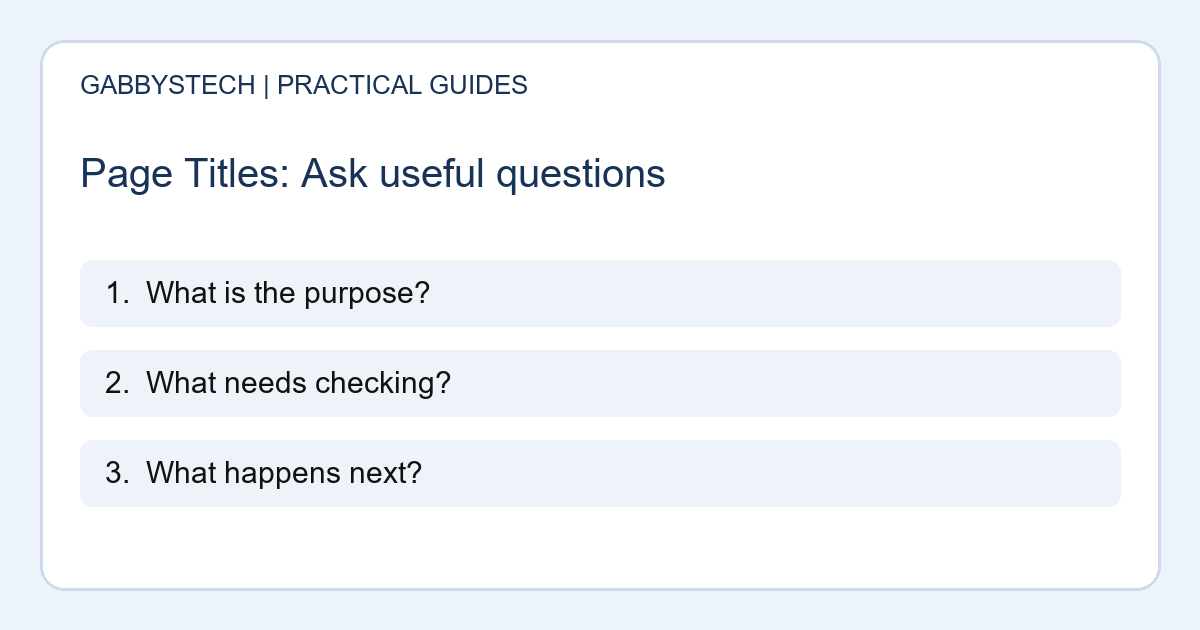
Lead with the service or question that distinguishes the page. A long opening slogan can push the helpful words out of view. Add the business name where it supports recognition, but do not let repeated branding overwhelm the topic.
Treat proposed page titles as short signposts. Read them without seeing the rest of the website. Would a new visitor understand the subject? Would they confuse the page with your home page? Revise vague wording such as “Solutions” when a specific service name would be clearer.
3. Keep the visible heading consistent
Check the main heading and opening paragraph beside the title. They do not have to repeat the exact sentence, but they should describe the same subject. A visitor who selects a result about business website planning should not arrive at an unrelated sales pitch.
Google explains that its title links are generated from several sources, rather than copied from a title field in every case. Consistent, descriptive wording gives readers a clearer experience even when the displayed search wording differs from your preference.
4. Give important pages distinct wording
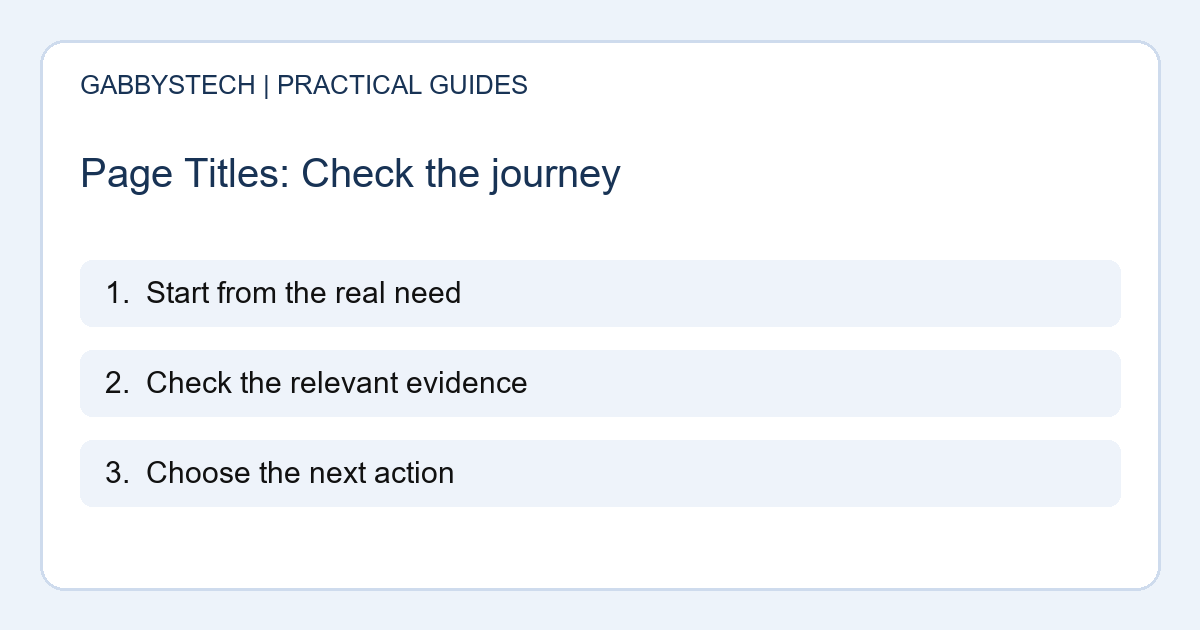
List your main service pages and compare their titles together. Reusing one generic sentence across the site hides the differences between them. Describe the particular service, audience or question where that distinction is supported by the content.
Do not add a city merely to make another version of the same page. A location reference should reflect a real service arrangement. Likewise, do not insert “best,” “guaranteed” or a number-one claim without evidence that is appropriate and clearly explained.
5. Review length without chasing a magic count
Search results have limited display space, but there is no universal character count that guarantees how every title will appear. Screen width and the words themselves affect what a person can see. Use an SEO preview as a useful check, not as proof of the final display.
Remove filler, repeated service names and redundant punctuation. Keep the words that explain the page. Clear page titles should still make sense if the final part is shortened in a result or shared preview.
6. Make the snippet and destination helpful
Write a short description that adds useful context rather than repeating the title verbatim. Explain what the page covers and avoid promises the body cannot support. Check that the result leads to the intended public URL without an unexpected login screen.
Then review the destination itself. Useful headings, descriptive internal links and a clear next step matter after the click. Improving page titles alone cannot solve confusing navigation, missing service information or a contact form that does not reach the business.
7. Save a baseline and review changes sensibly
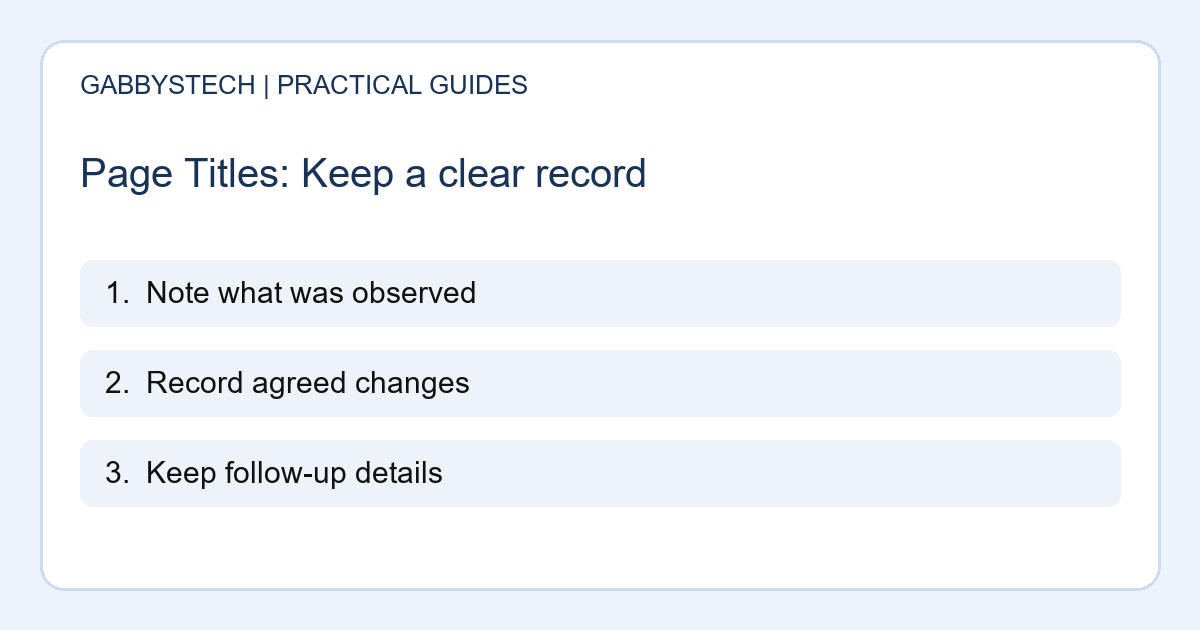
Keep a small record of the URL, previous wording, new wording and change date. This makes later discussion more useful than changing titles repeatedly without remembering what you tested. If Search Console is available, review impressions and clicks in context rather than treating one day as a result.
Changes in search performance can have several causes. Better page titles do not guarantee rankings or leads. Focus first on accuracy and a good match between the searcher’s question, the title and the information actually available on the page.
Sources and next steps
Google’s title-link guidance explains how search titles are selected. Use it when checking what you can influence and what Google may generate independently.
For a broader review, read our business website SEO checklist or browse the GabbysTech blog.
Need help reviewing page titles and service content? Explore GabbysTech SEO services and send your website address and priorities through our contact section. We can discuss scope and measurement without promising a particular search position.