
Laptop Screen Replacement: 7 Easy, Essential Checks
Laptop screen replacement requires more than matching the diagonal size. The exact panel, connections, mounting, and device configuration matter. Before approving a repair, describe the symptoms and ask how the proposed screen matches your laptop and the work you need it to do.
In this guide
A practical laptop screen replacement example
A remote worker sees lines across a laptop display after a knock. A helpful inquiry includes the full model, a description of the damage, and whether the machine still starts. The technician should establish the fault and compatible replacement rather than assuming every display symptom comes from the panel.
1. Describe the visible problem for laptop screen replacement
Distinguish cracks, dark areas, lines, flicker, and a completely blank display. Explain when the issue began and whether the laptop was dropped or exposed to liquid. A clear symptom description is more useful than simply saying the screen is broken. Avoid pressing on a damaged panel.
2. Record the exact device model
Use the complete model information from the device or its system information. Different configurations can use different panels even within one product family. Ask the technician to verify compatibility through appropriate documentation and inspection rather than ordering solely by screen size.
3. Discuss the required display features for laptop screen replacement
Tell the technician whether you need touch input, a particular resolution, refresh rate, or other original feature. Ask what the proposed panel supports. A replacement that physically fits may still differ from the original experience, so confirm any change before you approve the work.
4. Include related parts in the diagnosis
A display problem can involve the cable, hinge area, power, or another component. Mention whether moving the lid changes the symptom, but do not repeatedly flex a damaged hinge. Ask which parts have been checked and whether further work needs separate approval.
5. Compare the full repair proposal for laptop screen replacement
Request the panel specification, labour, expected turnaround, and warranty terms together. Ask whether the quote includes related damage or only the panel itself. If the assessment changes after inspection, agree that the updated scope will be explained before additional work proceeds.
6. Protect files and document the condition
Back up important files if the laptop can be used safely. Take a record of existing damage for your own reference. Remove unnecessary accessories before handover and list anything included with the machine. Do not share account passwords through public comments or untrusted messages.
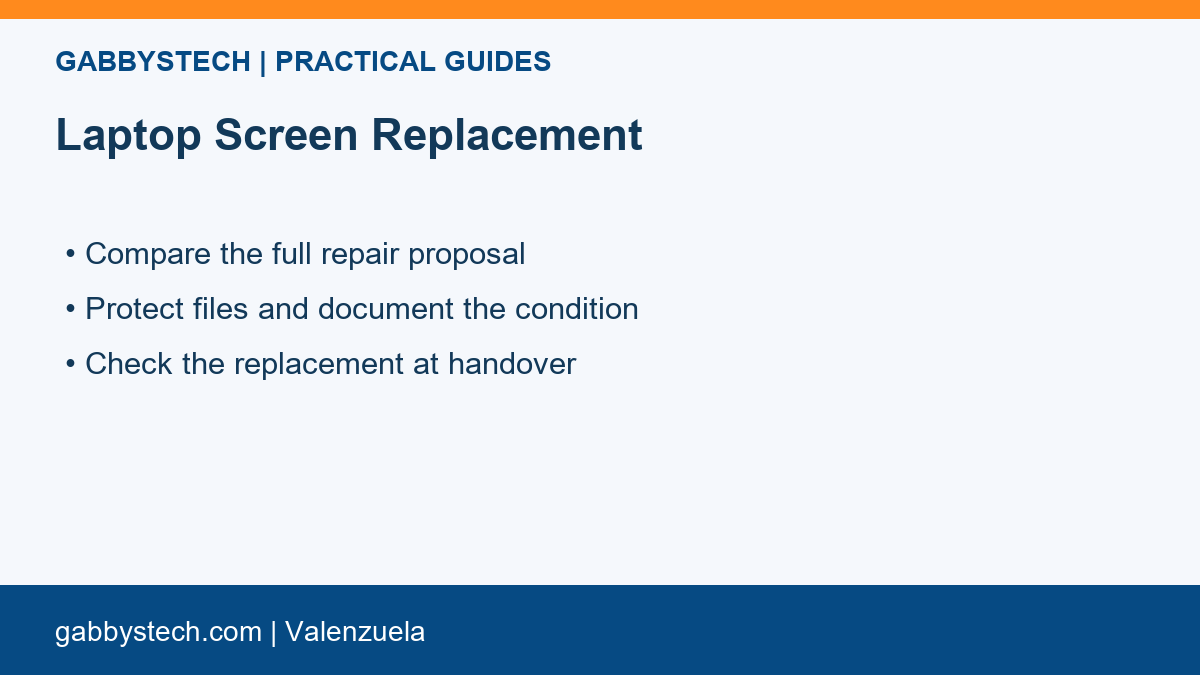
7. Check the replacement at handover for laptop screen replacement
View a few normal documents, a light screen, and a dark screen. Check brightness adjustment and any agreed touch function. Open and close the lid gently to confirm normal movement. Record remaining issues and keep the agreed panel and warranty details with the repair paperwork.
Prepare a clear laptop screen replacement inquiry
Before asking for help, collect the exact details that explain the problem. Separate what you observed from what you think caused it. A note such as “the problem started after this change” is useful; claiming that a particular part has failed without an assessment can send the discussion in the wrong direction.
Keep a copy of the original situation and the changes already tried. Include your main task, the point where it fails, and any practical deadline. Use sample information that contains no confidential records. Passwords, recovery codes, customer documents, and private account details should stay out of public comments and ordinary inquiry forms.
Laptop Screen Replacement: a question worth asking
Can I choose any screen with the same size?
No. Size alone does not establish compatibility. The panel specification and the laptop’s connections and mounting arrangement also matter. Ask for confirmation of the exact supported replacement and discuss differences in features before purchasing or authorising installation.
Record the decision and the result
A useful laptop screen replacement plan has a clear owner and a clear next step. Write down what will be checked, who will approve changes, and how the result will be verified. If the proposed work changes after inspection, ask for an updated explanation before additional work begins. Keep completed work separate from suggestions for later.
| Record | What to include |
|---|---|
| Starting point | Your model or page, main task, and specific symptom |
| Agreed scope | Checks, exclusions, proposed changes, and approval |
| Acceptance | The original task repeated and any remaining issue |
For device work involving files, review our backup preparation guide and repair handover questions. Microsoft’s backup and recovery resources are another useful starting point for supported Windows options.
Discuss laptop screen replacement with GabbysTech
GabbysTech in Valenzuela can discuss your device issue and the information needed for the next assessment. Send the exact model, your normal workload, and a short description of the problem through our website. Ask about the scope and applicable charges before approving service. A laptop screen replacement checklist supports a clearer conversation; it does not replace inspection or guarantee a particular outcome.