
Data Migration: 7 Easy, Essential Checks
Data migration is a planning task as much as a copying task. Moving to another laptop or drive should preserve the files and working access you actually need. Agree on scope, backups, and verification before the original device leaves everyday use.
In this guide
A practical data migration example
A home office is replacing an old laptop with a newer model. The owner needs current spreadsheets, photographs, email access, and one licensed application. A useful plan distinguishes file copying from application installation and account sign-in, so no one assumes that one action automatically completes the others.
1. List the sources and destinations for data migration
Identify which device, user folders, external drives, and approved cloud locations hold your work. Note the destination for each category. A list prevents important files being overlooked because they are stored outside the usual Documents or Desktop folders.
2. Separate files from applications
Copying a document is different from installing the software that opens it. Record the applications, licences, and installers needed on the destination device. Ask which parts of the migration service are included and which sign-ins or approvals you will complete yourself.
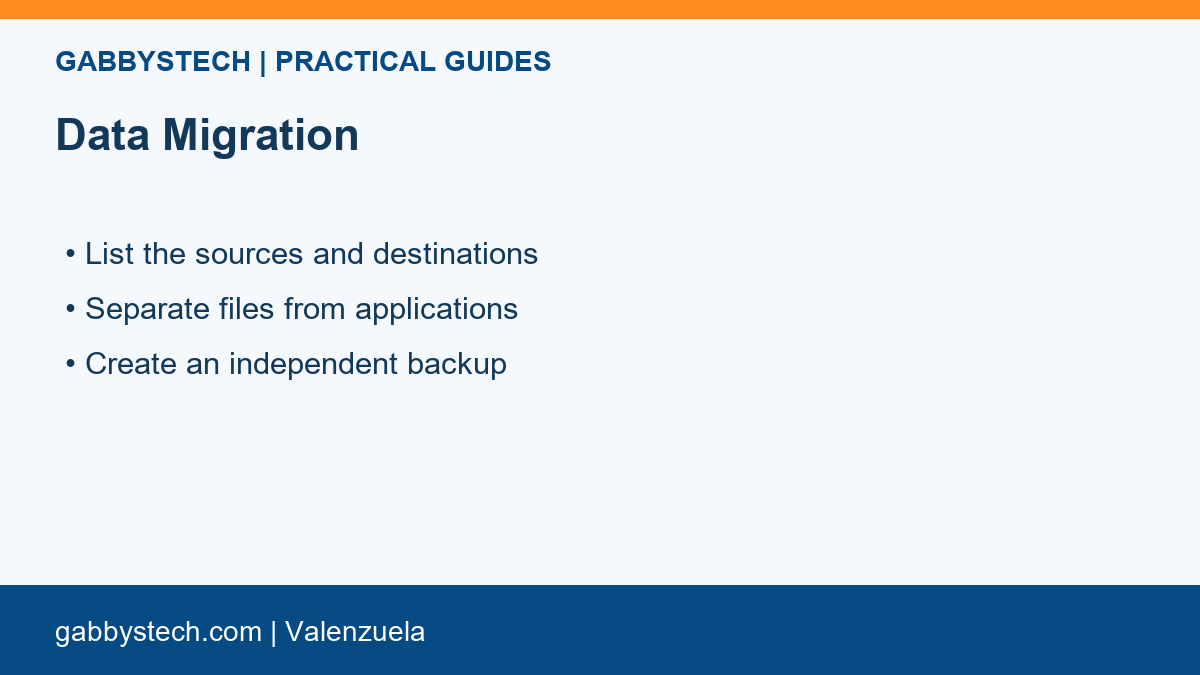
3. Create an independent backup for data migration
Keep a separate usable copy before the transfer begins. Test a few important files from the backup. The migration copy and the backup serve different purposes; a mistake on the destination should not remove your only recovery option.
4. Check access and privacy
Use approved transfer methods for confidential work. Discuss access through a private service channel and keep passwords out of public messages. For employer or school files, ask the administrator about authorised storage and device access before transferring them elsewhere.
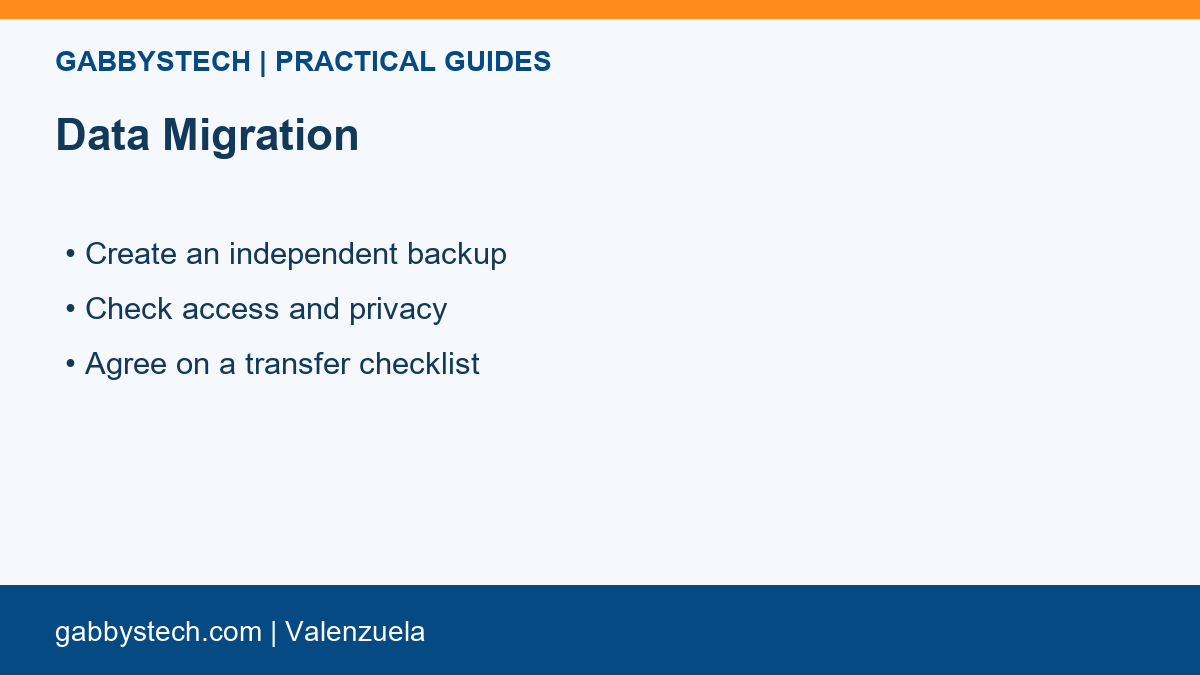
5. Agree on a transfer checklist for data migration
Write down the folders, applications, and settings in scope. Mark anything intentionally excluded, such as obsolete archives or unsupported software. Confirm whether browser data, local email, and cloud-synchronised files need special attention instead of assuming they are included automatically.
6. Verify representative files
Open several recent documents, images, and other important file types on the destination. Check that they are current and usable. A matching folder name or a transfer-complete message is not enough to establish that your everyday work can continue.
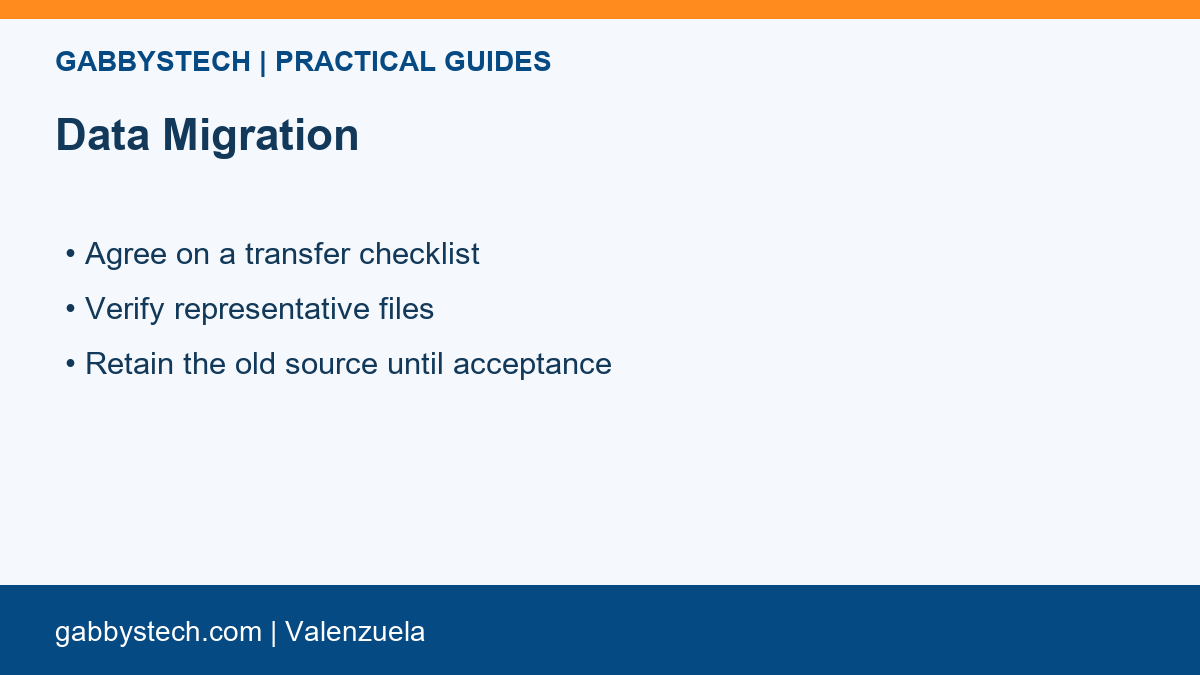
7. Retain the old source until acceptance for data migration
Do not erase or recycle the original device immediately after copying. Keep it safely until the agreed checks and backup review are complete. Decide how any remaining confidential data will be handled before the device is sold, reused, or passed to someone else.
Prepare a clear data migration inquiry
Before asking for help, collect the exact details that explain the problem. Separate what you observed from what you think caused it. A note such as “the problem started after this change” is useful; claiming that a particular part has failed without an assessment can send the discussion in the wrong direction.
Keep a copy of the original situation and the changes already tried. Include your main task, the point where it fails, and any practical deadline. Use sample information that contains no confidential records. Passwords, recovery codes, customer documents, and private account details should stay out of public comments and ordinary inquiry forms.
Data Migration: a question worth asking
Does copying my user folder transfer every application?
Usually the application setup needs its own plan. Record licences, installers, account requirements, and compatibility separately from personal files. Ask what the service includes and test the applications you depend on before retiring the old device.
Record the decision and the result
A useful data migration plan has a clear owner and a clear next step. Write down what will be checked, who will approve changes, and how the result will be verified. If the proposed work changes after review, ask for an updated explanation before additional work begins. Keep completed work separate from suggestions for later.
| Record | What to include |
|---|---|
| Starting point | Your model or page, main task, and specific symptom |
| Agreed scope | Checks, exclusions, proposed changes, and approval |
| Acceptance | The original task repeated and any remaining issue |
For device work involving files, review our backup preparation guide and repair handover questions. Microsoft’s backup and recovery resources are another useful starting point for supported Windows options.
Discuss data migration with GabbysTech
GabbysTech in Valenzuela can discuss your device issue and the information needed for the next assessment. Send the exact model, your normal workload, and a short description of the problem through our website. Ask about the scope and applicable charges before approving service. A data migration checklist supports a clearer conversation; it does not replace inspection or guarantee a particular outcome.