
Website Brief: 9 Essential Steps Before Hiring a Designer
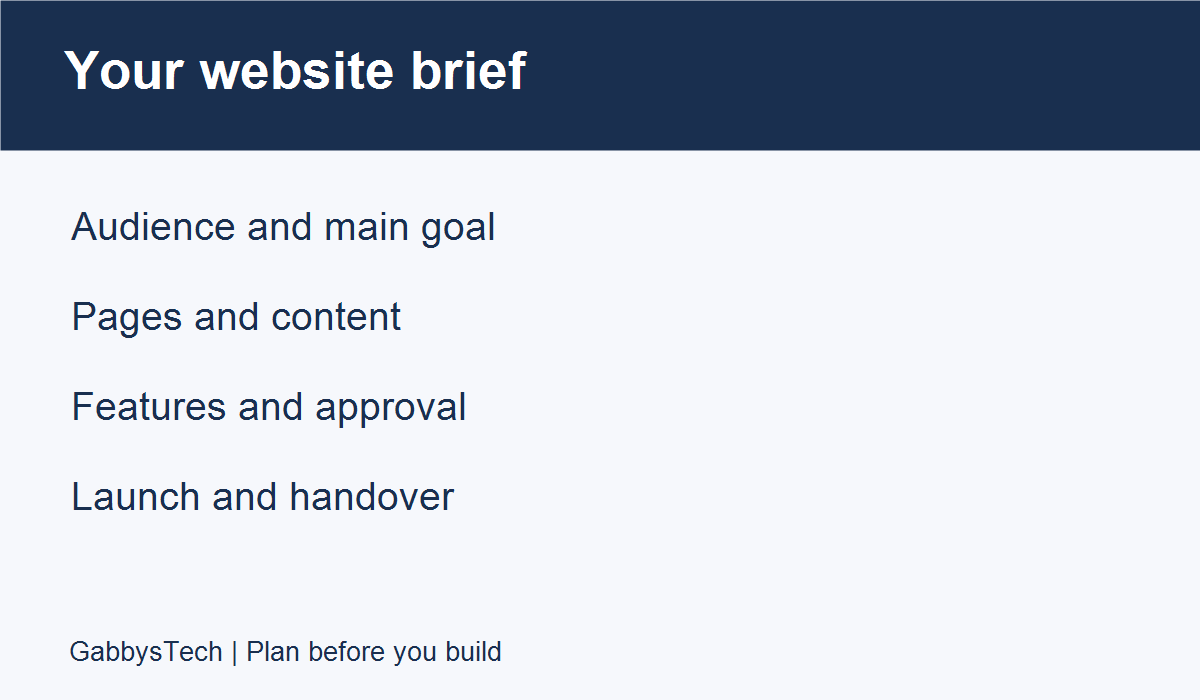
A website brief helps a business owner and designer discuss the same project before pages are built. You do not need to know every technical term. You need to explain whom the site serves, what visitors should accomplish and which decisions still need attention. Use this guide to prepare the information, examples and questions for a useful first discussion.
The nine steps below form a practical worksheet for a service-business website or redesign. They do not replace an agreed proposal, and they do not promise a particular price, delivery date or search ranking. Adapt the prompts to your organisation rather than treating every suggested feature as something you must buy.
In this guide
1. Start your website brief with one main goal
A website brief is a shared description of what your business needs from a website. It does not need to read like a technical contract, but it should make your priorities, responsibilities and unanswered questions visible. Start with a short statement about the business and the action you want a visitor to take. For a service business, that could be making a suitable enquiry rather than completing a purchase online.
Choose one main goal for the first version. You can record secondary goals, such as explaining your process or helping existing customers find contact details, without treating every possible feature as equally urgent. Explain what currently makes the task difficult. Perhaps visitors ask the same basic questions, your services have changed, or your current pages do not describe the work you want to receive. State the problem you can observe rather than promising that a redesign will automatically increase sales.
Write an outcome that can be reviewed. “A visitor can understand our main service and find the enquiry method” is more useful than “make the site professional.” The first statement gives the project a practical direction. The second is still a valid preference, but it needs examples and a clearer description before two people can confidently agree that it has been achieved.
2. Describe the visitor and their questions
List the people the site needs to serve and what they are likely trying to do. Separate a new customer comparing services from an existing customer looking for support. If several audiences matter, name the most important one for launch. You do not need to invent a detailed personal profile. A plain description of the visitor’s situation, question and next step is enough to start a useful design discussion.
Include the locations and languages your business actually supports. Do not add a long list of cities merely because you would like to appear in searches for them. Explain which work is local, which can be delivered remotely and whether any service has restrictions. If you do not yet know how to describe a market, mark that as a question for the project rather than filling the page with a claim you cannot support.
Collect genuine questions from your own enquiries if you have them, removing private customer details. Examples might include what information is needed for a quote, whether the service fits a particular need and how to get started. Group questions that belong together. This becomes a content-planning tool, not a reason to create an individual page for every sentence a customer has ever asked.
3. Give every proposed page a clear job
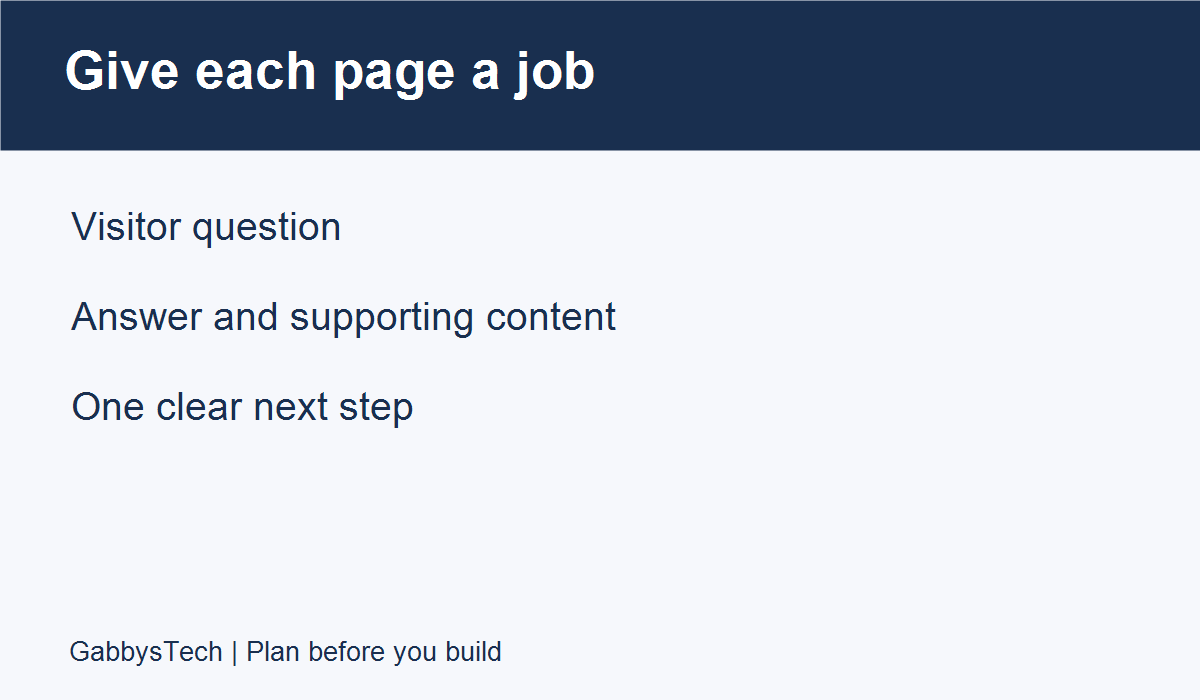
Create a short page list in your website brief. For each page, write its visitor question, the information that answers it and the action available afterward. A home page may introduce the business, while a service page explains one offering in greater detail. A contact page should make the supported enquiry methods easy to understand. Use names that a visitor can recognise without knowing your internal company structure.
Avoid deciding the page count before deciding the information. Five unclear pages do not become useful simply by being separated in a menu. Equally, one very long page may make unrelated services difficult to compare. Ask your designer which structure fits the material and discuss the trade-offs. The brief should communicate what needs to be understood; the detailed arrangement can be refined during planning.
For a redesign, include a list of important existing pages and downloadable files. Mark what should stay, what needs rewriting and what may be retired after review. Do not assume that changing the visual design requires changing every address. Ask how existing links will be handled if addresses change, and record who approves the final page list. Keep uncertain decisions visible until they have been agreed.
4. Inventory the content you already have
In the content section of your website brief, list the materials available for the project: service descriptions, logos, photographs, contact details, frequently asked questions and any documents that visitors need. Beside each item, identify whether it is ready, needs review or is missing. A simple inventory is easier to work with than a folder full of files whose purpose and approval status are unclear. Give materials descriptive names and organise them by intended page.
Name the person responsible for writing and approving each major section. Supplying rough notes is different from supplying finished copy. If you want help turning notes into page content, include that work in the scope discussion rather than assuming it is part of placing text into a layout. Confirm who checks factual statements such as locations, service limits and the business’s preferred contact methods.
Only supply images and text you are entitled to use. A competitor’s page can communicate a design preference, but it should not become a source of copied wording or photographs. Record where approved assets came from and any usage conditions you know about. If you do not have suitable images yet, discuss an illustration, photography or licensing plan before an unsuitable placeholder is mistaken for approved launch content.
5. Separate essential features from later ideas
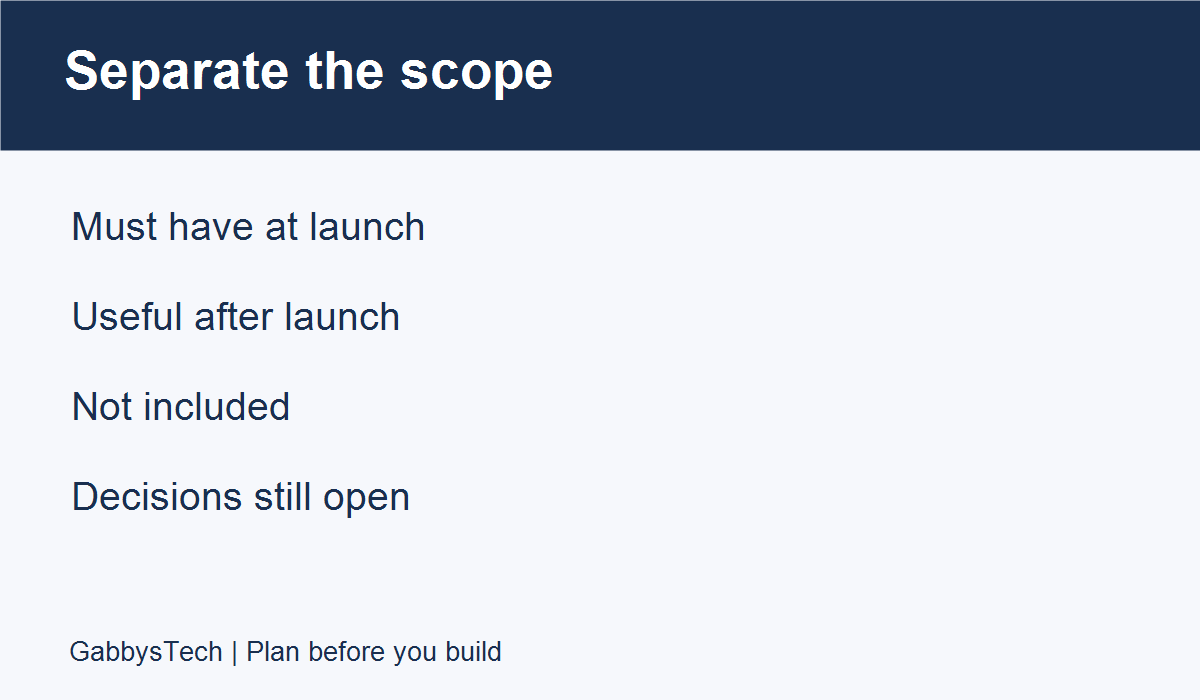
Group functionality into three lists: required at launch, useful later and outside the current project. This makes the website brief easier to quote and review. A basic enquiry form, a booking system, customer accounts and an online store are different requirements. Do not place them all under a vague instruction to “make it interactive.” Explain the task a feature needs to support and who will use it.
For each proposed integration, describe what should happen and where the result should go. If a form sends an enquiry, identify who receives it and how the business will respond. If a booking tool is involved, identify the account owner and whether you already use that service. The designer can then discuss what is possible, what needs further checking and which subscriptions or external dependencies are involved.
Keep future ideas in a separate section so they are not forgotten or accidentally treated as included. You can ask whether the first version should make room for a later store without commissioning the store immediately. When something changes during the project, record the request and ask about its effect on cost, timing and review. A clearer boundary makes a smaller first launch a deliberate choice rather than an unfinished wish list.
6. Explain your visual direction with reasons
For the visual section of your website brief, share a small number of reference websites and write what you like about each. You might prefer readable service summaries, a simple menu or the balance between text and photographs. Explain the experience you want instead of asking for an exact copy. References are most useful when they clarify a decision; they become less useful when every example points toward a different audience or kind of business.
Provide the current logo and any agreed brand colours or typography rules. Say which elements are fixed and which can be discussed. If the logo is only available as a small image, flag that limitation early. Do not assume the developer will recreate a full brand identity as part of building pages. A website project can include identity work, but the responsibilities and deliverables need to be discussed explicitly.
Include readability in the design conversation. Ask to review real headings, longer service names and actual contact information in the proposed layout. Attractive placeholder text cannot reveal every issue that real content introduces. The W3C guidance on writing for accessibility supports informative headings, meaningful link text and clear instructions. These are useful starting points, while a complete accessibility review requires its own agreed scope.
7. Include search and content expectations
Explain the subjects your business wants to be found for and the services you actually provide. Include your existing website address and say whether you have established content that needs preserving. A useful website brief distinguishes launch preparation from ongoing SEO work. Ask which page titles, descriptions, internal links and other search-related tasks are included, and who will maintain them after launch.
Do not treat a plugin score as a promise of rankings. Google’s SEO Starter Guide explains the role of useful content and links in helping people and search engines understand a site; it does not offer a guaranteed first-place result. Keep your own project goals specific enough to review, such as whether a service page accurately explains the offering and links to the right enquiry destination.
If regular publishing is part of the plan, identify the author, reviewer and final approver. Decide where draft ideas will be kept and who checks business facts before an article goes live. Discuss whether the website must support categories, featured images or a particular editorial process. A blog is easier to maintain when the team has a repeatable workflow rather than a launch-day collection of empty article placeholders.
8. Agree how feedback and approval will work
In your website brief, name a person who consolidates feedback and a person who has authority to approve each stage. They may be the same person, but the responsibility should be clear. Ask reviewers to identify the page, the issue and the intended outcome. “The contact address is outdated” gives a precise correction. “This does not feel right” needs a follow-up explanation before a developer can make a reliable change.
Distinguish factual corrections, design preferences and additional functionality. All deserve attention, but they do not necessarily have the same effect on scope. Keep comments in one agreed location rather than scattering conflicting instructions across messages. When reviewers disagree, resolve the decision internally or identify the person who can decide. Avoid asking the developer to guess which stakeholder’s latest message overrides an earlier approval.
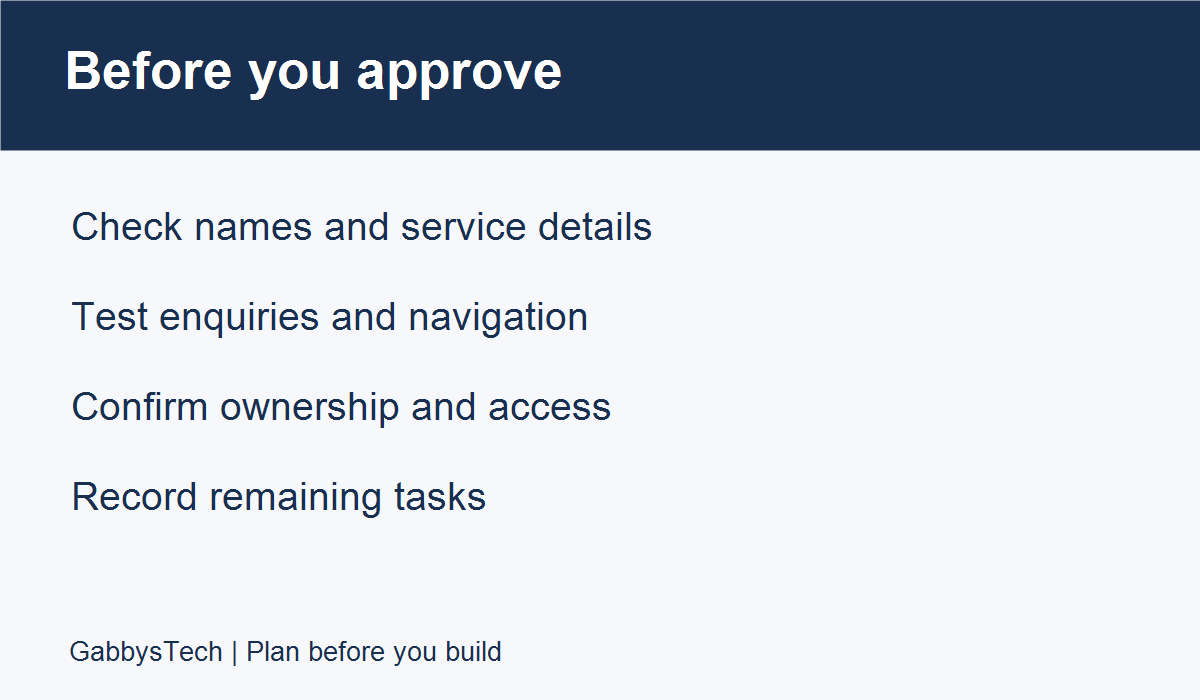
Agree what completion means for each stage. Content approval is different from confirming that a form delivers an enquiry. A visual review does not prove that every link works. Put these checks into a simple review list, assign the responsible person and record unresolved items. This makes launch approval a decision based on completed checks rather than an assumption that everything must be ready because the design looks finished.
9. Plan ownership, launch and ongoing care
Use the website brief to identify who owns the domain, hosting account and any paid tools. Discuss the intended account structure without sharing passwords in the website brief. If a provider needs access later, agree on an appropriate access method at that time. A planning document may be forwarded to several people, so it is not the right place for API keys, recovery codes or payment-card details.
Ask which editing instructions and files will be supplied at handover. Name the changes you expect to make yourself, such as updating service text or publishing a post. Ask which kinds of change may require development help. Clarify responsibility for software updates, backups, enquiry delivery and future support. Do not assume that ongoing maintenance is included simply because the original website was built by the same person.
If you have a preferred launch date, explain the business reason and the dependencies you know about. Content approval, access to existing accounts and third-party services can affect readiness. Ask what needs to happen before that date can be confirmed. Record who approves the live release and who checks the important visitor tasks afterward. A launch plan should include what to do with remaining nonessential items instead of hiding them until the last moment.
A worked example for a small service business
The following is an illustrative example, not a customer case. A business owner might write: “We need a website that explains our two main services and helps suitable customers send an enquiry. Our primary audience is a first-time customer comparing providers. The main action is to request a discussion, and the enquiry should reach our monitored business inbox.” That is a useful opening because it names the task, audience and destination.
The same owner could add: “We propose a home page, one page per service, an introduction to the business and a contact page. We have an approved logo and basic service notes. Photographs still need review. One person will consolidate feedback, while the business owner approves final wording. Online payments and customer accounts are not part of this first release.” Those boundaries are practical without pretending to settle every technical detail.
The open questions could be just as useful: “We need advice about whether the existing hosting is suitable, what editing training is included and how our old service-page links should be handled.” Unknown answers do not make a website brief a failure. They identify what the first discussion should resolve. The important distinction is between a requirement that has been agreed and an assumption that no one has checked.
A website brief template you can copy
Use these website brief prompts as a starting point and keep the first version concise. Add supporting files only where they help someone understand a requirement. Mark unanswered questions clearly and revise the brief after decisions are made. A living planning document is more useful than a long specification that stops reflecting the project after the first meeting.
- Business and audience: what you do, whom you serve and where you operate.
- Main goal: the visitor action the first release should support.
- Page plan: each proposed page, its question and its next step.
- Content: what is ready, missing or awaiting approval, with a named owner.
- Functionality: launch essentials, later ideas and excluded work.
- References: a few links with reasons for each preference.
- Review: who collects feedback and who approves it.
- Operations: domain and hosting ownership, handover and support questions.
- Timing: preferred date, dependencies and unresolved decisions.
Common questions before contacting a web designer
Do I need all my content finished before asking for help? No. You can start with an inventory that distinguishes approved material, rough notes and missing items. Ask whether content development is part of the proposed work. The key is to identify the gaps honestly so that a schedule is not built around material that does not yet exist.
Should I choose a theme or builder first? Start by explaining your business task and editing needs. You can mention an existing tool or a preference, but discuss whether it fits the agreed requirements before making it a condition. Ask how the proposed implementation affects editing, maintenance and any recurring licences you would need to manage.
Can the brief guarantee a fixed price or deadline? The brief supports a scope discussion; the actual price, schedule, exclusions and approval process need to be agreed in the proposal or other project documents. If something is unclear, ask for clarification before treating it as included. Do not rely on a sample project’s price or delivery date as a promise for your own work.
What should I send first? Share the business introduction, main goal, current website if any, a short page list and your biggest unanswered questions. Keep credentials out of the message. You can also explain your preferred communication method and who will approve the work. That provides a concrete starting point without requiring a finished technical specification.
Discuss your project with GabbysTech
GabbysTech offers web design and WordPress development for businesses in the Philippines and worldwide. Bring your audience, page priorities and open questions to the discussion. The proposed scope should fit your requirements rather than assume that every feature mentioned in a reference site is part of your project.
If ongoing search work is also a priority, explore the SEO services page and identify that as a separate topic in your website brief. To begin, contact GabbysTech about your website. A short, factual explanation of what you need is enough to start a more productive conversation.