
Indexing Checks: 7 Essential Steps After Publishing a Page
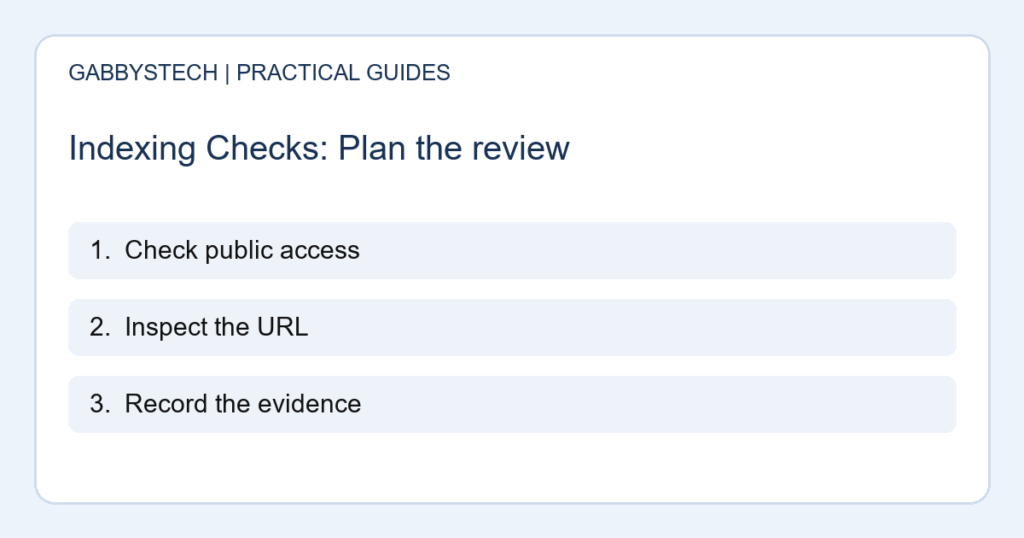
Indexing checks help you distinguish a page that is published on your website from one that Google has processed for its search index. Those are different events. Use these seven steps to investigate a new page methodically, without assuming that a request or a technical score guarantees search visibility.
In this guide
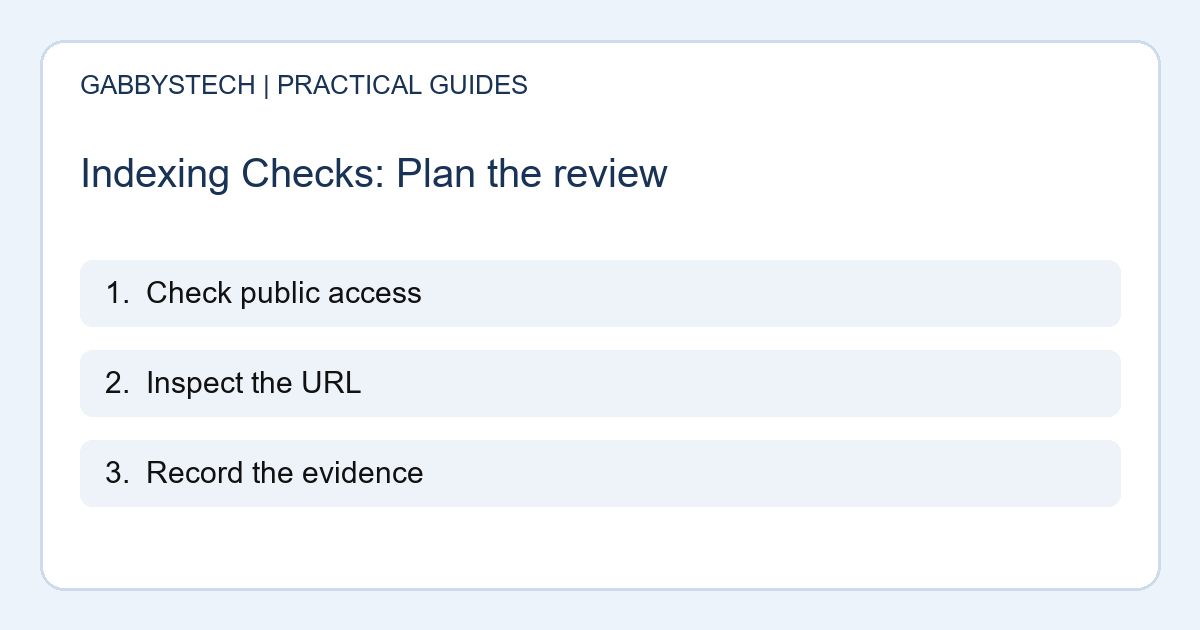
1. Begin indexing checks with the public page
Open the exact URL as a signed-out visitor. Confirm the full article or service content is visible and that the page does not lead to a login screen, an error or an unfinished preview. Check the address after any redirect.
This first step is simple but important. If the page does not work for an ordinary visitor, asking a search engine to inspect it will not fix the underlying problem. Record the URL you intend to make public before reviewing more technical settings.
2. Separate access from permission to index
A working page can still contain an instruction that prevents indexing. Ask the site administrator to review intentional noindex settings, privacy restrictions and crawler access rules. Do not remove these controls from account pages or private areas simply to increase the number of indexed URLs.
For indexing checks, first decide whether the page should appear in public search at all. Customer dashboards, payment utilities and private downloads have different purposes from public articles. Keep the investigation focused on the page that is meant to be discoverable.
3. Inspect the correct Search Console property
Use a verified property that covers the URL you are investigating. Check the protocol and hostname rather than assuming every variation is included. Review the URL Inspection result and distinguish the information Google has stored from a live test of the current page.
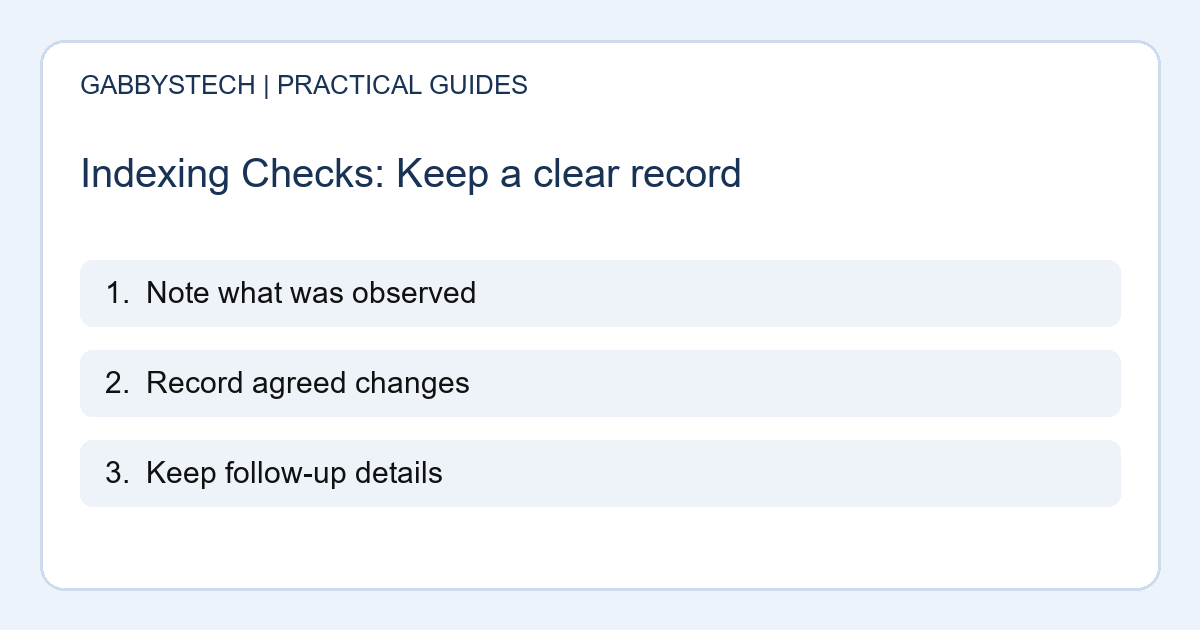
Record the inspection date and the reported status in plain language. Indexing checks are easier to follow when you keep the evidence instead of relying on memory. If the result points to another canonical URL, investigate that relationship before submitting repeated requests.
4. Check discovery links and the sitemap
Make sure the public page can be reached from relevant parts of the site. A useful link from the blog archive or a related article helps visitors discover it too. Check that the sitemap uses the intended URL where inclusion is appropriate.
Google explains that sitemaps can aid discovery but do not guarantee indexing. Treat them as one part of a sound publishing process. Your indexing checks should not stop at seeing a sitemap entry; the page itself still needs to be accessible, useful and consistent with its intended purpose.
5. Review what makes the page useful
Read the article as a potential customer. Does it answer a clear question, provide enough detail and explain the next step? Remove unfinished text and duplicated filler. Where you describe business arrangements, confirm the facts with the current service page.
A technical pass cannot make an unhelpful page valuable. Indexing checks should sit beside content review rather than replace it. Avoid publishing many similar pages solely to target slight keyword variations. Give each page a reason to exist for the people you want to help.
6. Request a crawl when appropriate
After resolving an actual issue, use the available Search Console request option where you have the necessary access. Do not treat repeated submission as a way to force a timetable. Keep the correction date and request date with your notes.
Google’s recrawl guidance states that a request does not guarantee immediate inclusion or inclusion at all. That limit matters when explaining progress to a business owner. Indexing checks can identify conditions and document actions, but they cannot promise when a particular URL will appear in results.
7. Follow up using evidence, not assumptions
Return to the recorded URL and compare the current state with the earlier result. Note any change to access, canonical selection or the indexing report. Search impressions and clicks answer different questions from whether a page has been indexed, so review them separately.
Do not rely only on a quick site search as the final verdict. Keep a short record of findings, changes and unresolved questions. Consistent indexing checks help you discuss the next useful action without presenting a green technical indicator as proof of rankings, traffic or enquiries.
Sources and next steps
Google’s technical requirements describe eligibility. Its recrawl guidance explains request limitations.
For wider site priorities, browse our SEO articles and check that each page supports a real customer question.
Need help interpreting indexing checks? Explore GabbysTech SEO services and send the public URL and reported issue. Do not include account passwords or private Search Console data in a public message.