
Internal Links: 7 Essential Checks for Useful Navigation

Internal links connect one page of your website to another. They help visitors move from a question to useful detail, a related service or a sensible next action. This review focuses on making those connections meaningful instead of adding links simply to meet a target number.
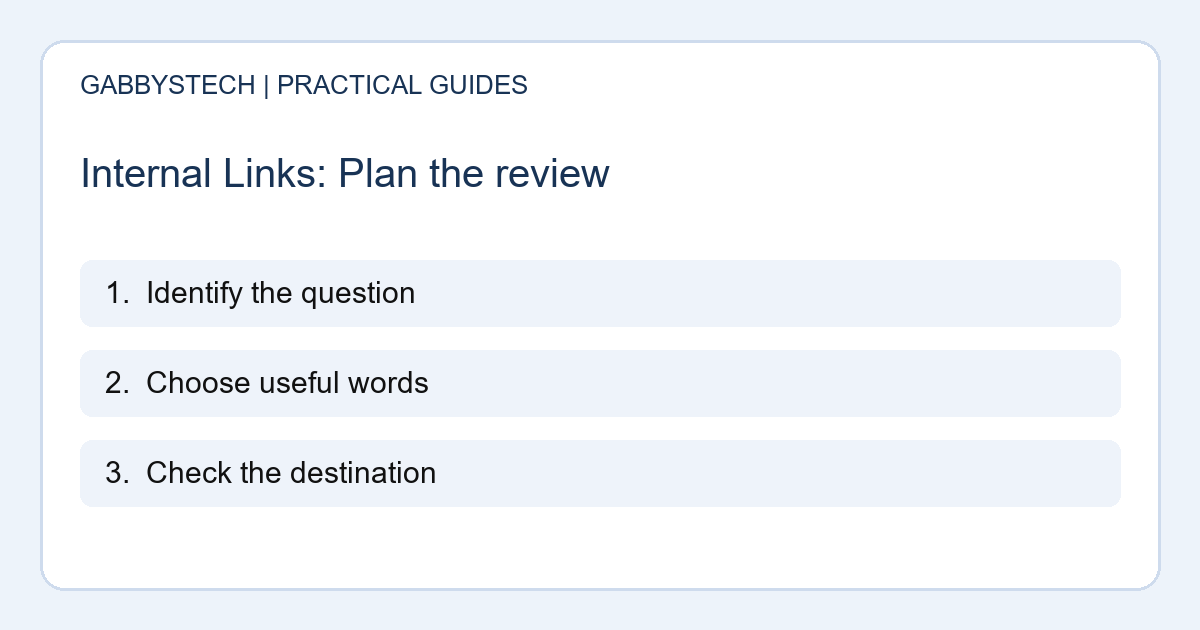
In this guide
1. Start internal links with the reader’s next question
Read a page as though you are new to the business. Note the points where a person may need a definition, an example or a service explanation. Those moments are better candidates for a link than random repeated words. Choose a destination that actually answers the next question.
For example, an article about preparing a computer for assessment can lead to the repair service page. It should not send every mention of a laptop to an unrelated shop item. Relevance matters more than how many links fit into a paragraph.
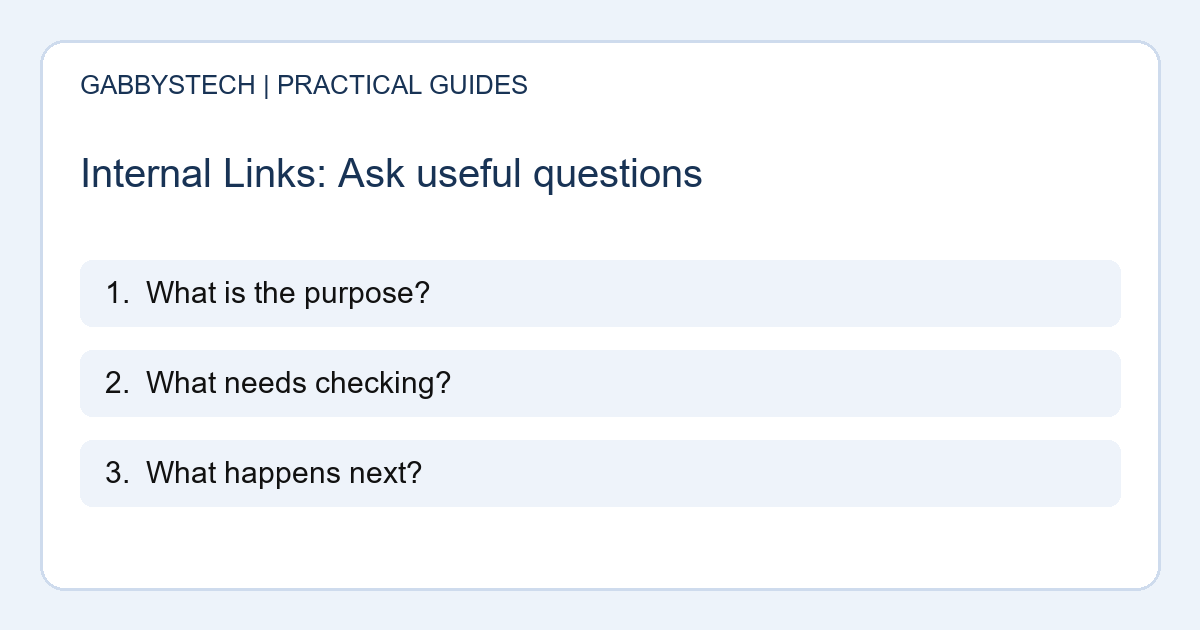
2. Use words that describe the destination
Link text should give a useful clue about the page being opened. A phrase such as “contact form review guide” is clearer than a row of identical “click here” links. Keep the wording natural in the sentence and avoid forcing every keyword variation into the same anchor.
Google’s link guidance discusses descriptive anchor text and crawlable links. Use that guidance as a technical foundation, while reading the sentence aloud to check that it remains helpful to people. Internal links should make the content easier to use, not harder to read.
3. Connect articles to the appropriate service
A helpful article may explain a problem in more detail than a service page. Give the reader a clear route to the service when they need hands-on help. Explain why the destination is relevant rather than dropping a sales link at an arbitrary point.
The service should also match the situation. Local device assessment and remote website work have different arrangements. Good internal links preserve that distinction. Do not imply that reading an article creates a booking, confirms a diagnosis or includes work that has not been agreed.
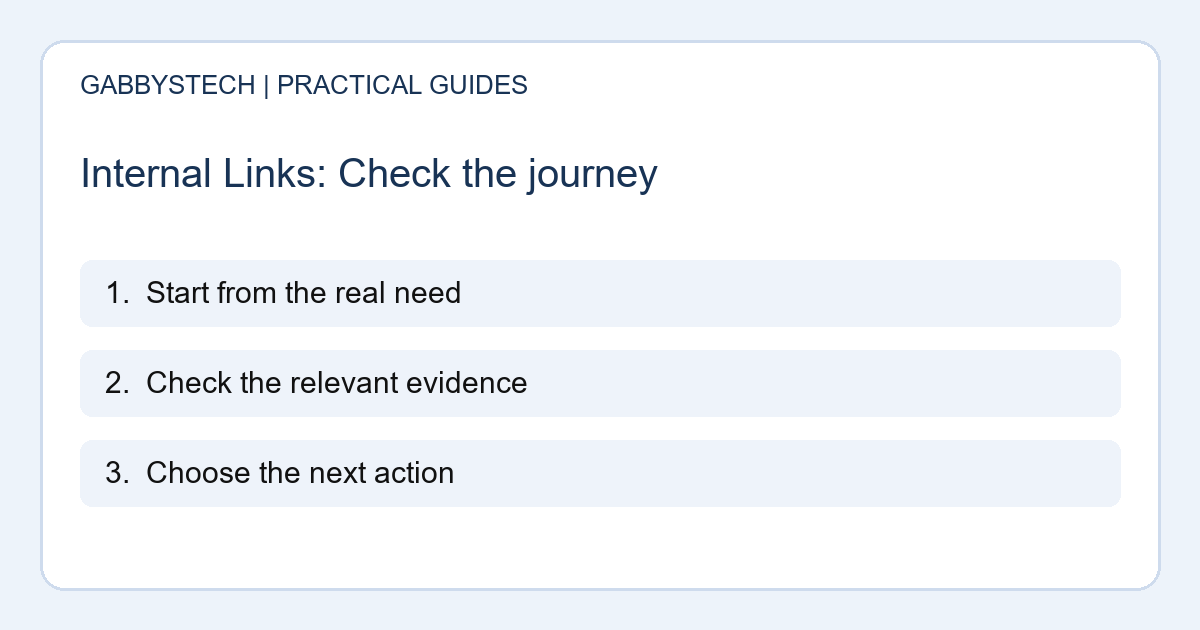
4. Check the destination before adding the link
Open the page and confirm it works for a signed-out visitor. Check that it is the intended public URL and does not unexpectedly ask for an administrator login. A link to a preview, an old address or a private document can interrupt the journey.
If a page moved, review which version should be linked from the article. Avoid creating new redirects unnecessarily just to shorten a sentence. The immediate task is to use the correct destination and remove links that no longer help the reader.
5. Build small groups around real questions
Group related articles by the questions they answer. A website planning article can lead to content preparation, enquiry testing and launch review. Each destination should add something different. Linking several near-identical articles does not create a useful learning path.
Internal links can make these groups easier to explore, but they should not trap readers in a circle with no clear next step. Keep the main navigation and blog archive understandable too. Someone arriving from search should still be able to identify the business and find its services.
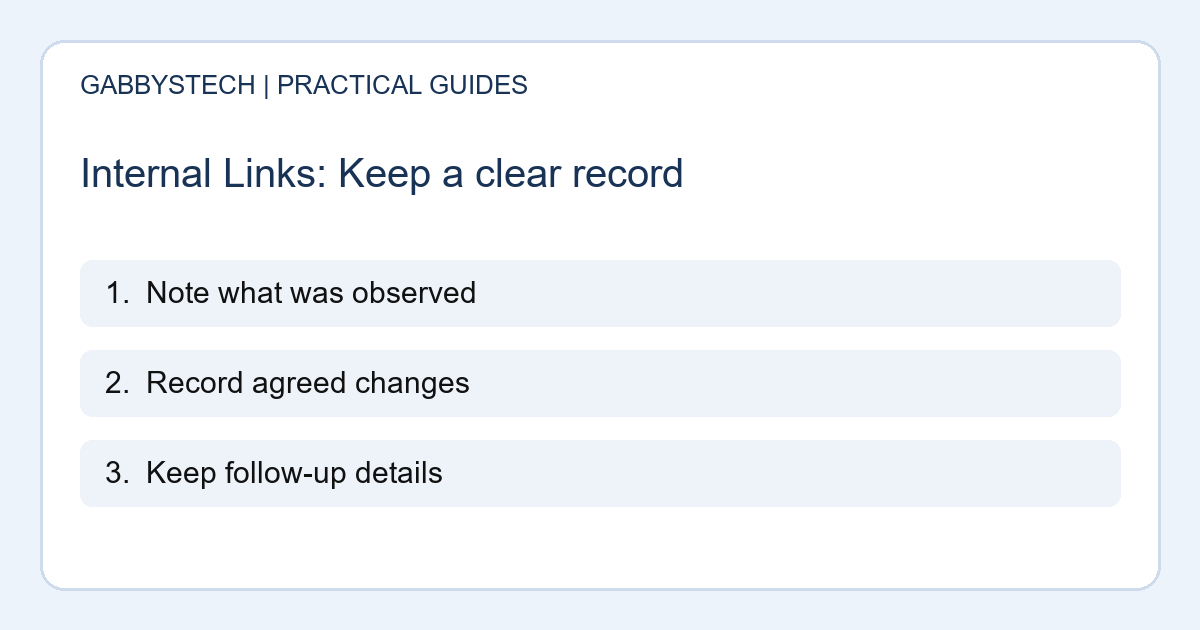
6. Review link presentation on a phone
Links need to be recognisable in the surrounding text. Check them on a narrow screen, especially when several appear close together. Make sure a sticky header or floating element does not cover the destination heading after an in-page jump.
Use a keyboard to check that navigation does not rely only on a mouse. W3C’s menu guidance is a useful reference for the wider navigation experience. A technical SEO review and an accessibility review have different scopes, so describe the checks actually completed rather than claiming full compliance from one quick test.
7. Maintain internal links as the site grows
Keep a note of important pages and the articles that should lead to them. When you remove or reorganise content, check those relationships. A small monthly review is easier to manage than discovering a large collection of broken destinations during a redesign.
Do not promise a ranking improvement from changing internal links alone. Their immediate value is helping people and search systems understand the site’s structure. Judge each addition by whether it supports a useful next step, then review enquiries and search data in the wider context of the website.
Sources and next steps
Google’s link best practices explain crawlable links and anchor text. W3C’s menu tutorial covers navigation accessibility.
Use our contact form checks when reviewing where service enquiries end up.
For help reviewing internal links and page structure, see GabbysTech SEO services and send your website priorities. We can discuss the scope of a practical site review.